
Latest Version
September 27, 2026
Yso Corp
Simulation
iOS
0
Report a Problem
More About :game
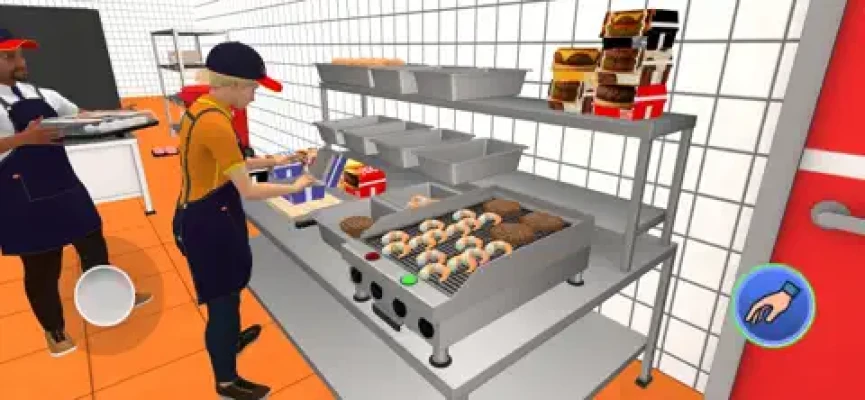
The game goes beyond simply making burgers. You need to keep the kitchen supplied, serve customers efficiently, improve your equipment, and decide how to expand the ways customers can order.
The current App Store description specifically highlights kiosk orders, drive-thru, delivery, employee management, customizable recipes, pricing, store layout, equipment upgrades, and business expansion.
What Is My Burger Town Story?
My Burger Town Story combines several restaurant-management systems into one simulation:
- Burger preparation
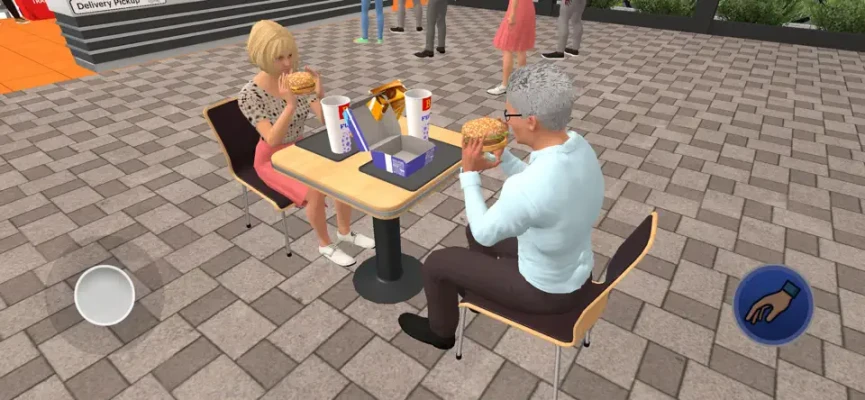
- Customer orders
- Ingredient management
- Recipe customization
- Pricing
- Kitchen equipment
- Store layout
- Employee hiring
- Employee training
- Stock management
- Kiosk ordering
- Drive-thru service
- Delivery
- Business expansion
The central gameplay loop is:
Take orders → Prepare food → Serve customers → Manage supplies → Improve the restaurant → Hire staff → Expand services → Increase revenue
My Burger Town Story Gameplay
The game is designed around running a busy burger restaurant rather than completing isolated cooking levels.
You need to think about the entire operation.
A customer order creates a demand for food. Preparing that food requires ingredients and functioning equipment. Keeping the kitchen running requires adequate stock, while staff can help with cooking and restocking.
As the restaurant grows, additional ordering channels such as the kiosk, drive-thru, and delivery create more opportunities to generate revenue—but they also increase the importance of organization.
How to Run Your Burger Restaurant
1. Keep the Kitchen Supplied
Ingredients are one of the most important parts of the restaurant.
A great recipe doesn't help if you run out of the ingredients required to prepare it.
Regularly check your stock and make sure your supply is keeping pace with customer demand.
2. Watch Your Orders
Don't focus on cooking one item while ignoring the rest of the restaurant.
As customer traffic increases, you need to balance preparation with service.
Pay attention to what customers are requesting and organize your workflow accordingly.
3. Keep Equipment Working
Kitchen equipment is essential to your operation.
If an important piece of equipment stops working, it can interrupt the entire service chain.
For that reason, don't expand faster than you can manage your kitchen.
4. Use Employees to Reduce Your Workload
The game allows you to hire and train staff to help speed up service and keep customers satisfied.
Employees can also help with tasks such as cooking and restocking, according to player feedback and the game's progression systems.
Burger Recipe Strategy
One of the more interesting systems in My Burger Town Story is the ability to adjust burger recipes.
This means you aren't restricted to one fixed burger configuration.
Experiment with recipes while keeping the practical side of the business in mind.
A recipe should not only be appealing—it should also fit your restaurant's ability to prepare and supply it.
Recipe Tips
- Avoid creating more complicated recipes than your kitchen can handle.
- Keep the ingredients for popular items well stocked.
- Test recipe changes gradually.
- Don't change your entire menu at once.
- Consider preparation speed when managing a busy restaurant.
Pricing Strategy
Pricing is another system that can be adjusted as you develop your restaurant.
The goal is to find a sensible relationship between what you're charging and the costs and effort involved in serving the food.
Avoid treating price increases as an automatic solution.
If you raise prices while service becomes slower, customers may have a less satisfying experience.
A better approach is to improve your operation first and then adjust pricing as your restaurant becomes more efficient.
Employee Strategy
Employees are an important part of scaling the restaurant.
The game allows you to hire and train staff, making them useful for improving service efficiency.
When to Hire Staff
Hiring becomes especially useful when you are personally struggling to keep up with multiple tasks.
If you constantly need to leave one job unfinished to handle another, additional staff can help divide the workload.
Train for Efficiency
The purpose of staff development is to make your restaurant run more smoothly.
Think about where your biggest bottleneck is and use employees to reduce it.
For example:
Too much cooking?
Prioritize kitchen assistance.
Constantly running out of ingredients?
Improve your stocking workflow.
Too many simultaneous orders?
Use staff to help keep service moving.
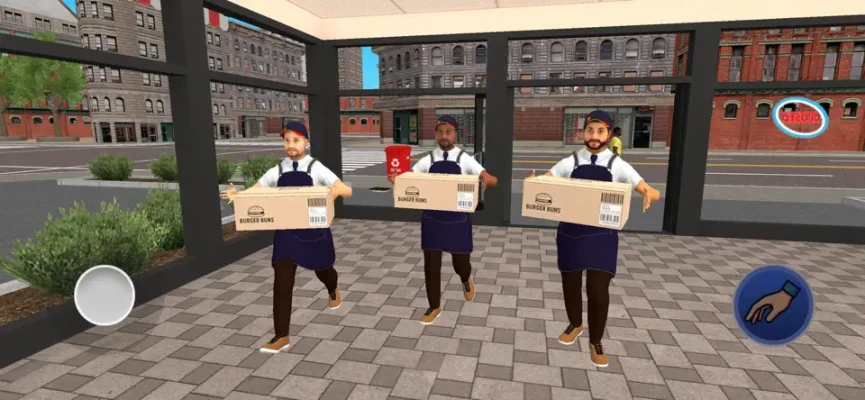
Stock Management
Stock management is easy to overlook when you're concentrating on customers.
However, running out of an important ingredient can slow down the entire restaurant.
A useful routine is:
Check stock → Identify high-demand ingredients → Restock → Continue service
The game's version history also shows that additional stock clerks were introduced specifically to improve supply efficiency. Version 1.0.21 added two new stock clerks and described the staff as working more efficiently.
Kitchen Equipment
Equipment upgrades allow the restaurant to grow beyond its initial setup.
As your business becomes busier, improved equipment can help you handle the increased workload.
Don't automatically purchase every available upgrade.
Instead, identify the equipment that is currently slowing you down.
Example
If cooking is the bottleneck, improve your cooking capacity.
If storage or supply is the problem, focus on stocking efficiency.
If customer ordering is becoming difficult to manage, expanding your service channels may be more useful.
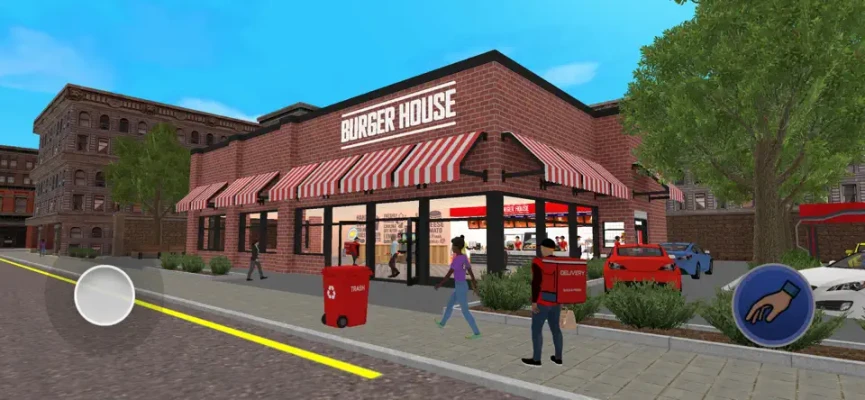
Kiosk Orders
Kiosk ordering gives customers another way to place orders.
This can reduce some of the pressure on direct customer interaction while creating additional order volume.
Once kiosk orders become part of your restaurant, keep an eye on the kitchen rather than treating the kiosk as free income.
More orders still require:
- Ingredients
- Cooking
- Staff
- Equipment
- Service capacity
Drive-Thru Strategy
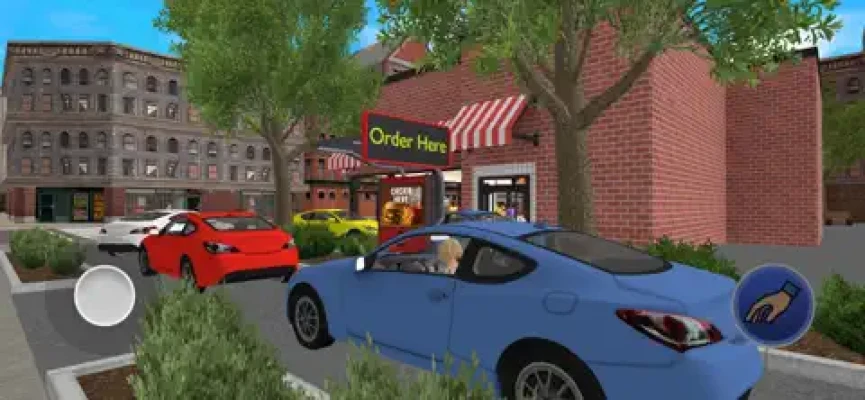
The drive-thru provides another revenue channel.
It can be useful for increasing the number of customers your restaurant can serve, but it also adds another source of demand.
Before expanding heavily into drive-thru service, make sure your kitchen can handle additional orders without becoming overwhelmed.
Delivery System
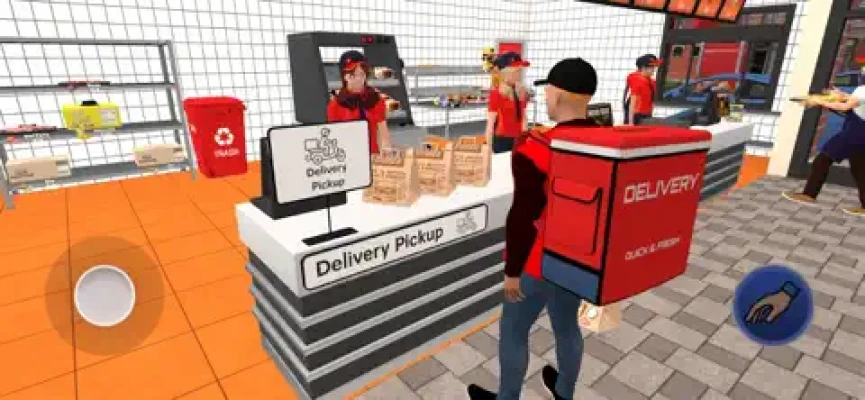
Delivery was added in version 1.0.8, making it another way for customers to order from the restaurant.
Delivery can expand your business beyond customers physically visiting the restaurant.
However, it also reinforces the importance of maintaining enough ingredients, equipment, and staff to handle additional demand.
Restaurant Layout Strategy
The game allows you to customize your store layout.
Layout isn't purely cosmetic.
A practical arrangement can make it easier to move between important parts of the restaurant and keep your workflow organized.
Try to keep frequently used areas convenient to access.
For example:
Ordering area → Preparation area → Cooking equipment → Serving area
The exact arrangement depends on your restaurant's current size and available equipment.
Beginner Strategy Guide
Step 1: Learn the Basic Workflow
Start by understanding how an order moves through your restaurant.
Order → Ingredients → Preparation → Cooking → Customer
Once that process becomes familiar, expansion becomes much easier.
Step 2: Don't Expand Too Quickly
More services mean more customers and potentially more revenue, but they also mean more work.
Make sure your existing operation is stable before adding another layer.
Step 3: Improve Your Biggest Bottleneck
Don't upgrade randomly.
Ask yourself what is slowing the restaurant down the most.
Step 4: Hire When Workload Increases
Once you're spending too much time handling basic tasks, staff can free you to focus on management.
Step 5: Keep Supplies Under Control
A restaurant cannot serve customers without ingredients.
Make stock management part of your regular routine.
Advanced My Burger Town Story Tips
Build Around Demand
Don't treat every menu item equally.
Pay attention to what customers are actually ordering and make sure the ingredients needed for those items are consistently available.
Expand in Stages
Kiosk, drive-thru, and delivery can all increase the complexity of your restaurant.
Introduce them when your existing operation is ready.
Use Staff to Solve Bottlenecks
Don't hire employees simply because you can.
Use them where they make the biggest practical difference.
Keep Your Layout Practical
As the restaurant expands, rethink the layout instead of leaving everything where it was originally placed.
Don't Ignore Restocking
A busy kitchen can consume supplies quickly.
Efficient restocking becomes increasingly important as customer volume grows.
Common Mistakes
Running Out of Ingredients
A restaurant can have plenty of customers and still perform poorly if essential ingredients aren't available.
Expanding Too Fast
Adding new services before your kitchen and staff can handle them may create more problems than benefits.
Ignoring Staff
Trying to personally handle every task becomes increasingly inefficient as the restaurant grows.
Changing Too Many Recipes
Frequent menu changes can make it harder to understand which items are actually performing well.
Ignoring Equipment Problems
A malfunctioning piece of equipment can become a serious bottleneck if it affects an important part of your kitchen.
My Burger Town Story Features
- Burger restaurant management
- Custom burger recipes
- Ingredient management
- Customer orders
- Adjustable pricing
- Kitchen equipment
- Equipment upgrades
- Restaurant layout customization
- Employee hiring
- Employee training
- Stock clerks
- Kiosk ordering
- Drive-thru
- Delivery
- Business expansion
- Simulation gameplay
The App Store version history shows that delivery was added in June 2025, two additional stock clerks were added in September 2025, and later updates included further staff-efficiency improvements and bug fixes.
My Burger Town Story Game Information
Developer: Yso Corp
Category: Simulation
Platforms: iPhone, iPad
Age Rating: 4+
Size: 447.3 MB
Languages: English plus 13 additional languages
Requires: iOS 13.0 or later
iPad: iPadOS 13.0 or later
Mac: macOS 11.0 or later with Apple M1 chip or later
Apple Vision: visionOS 1.0 or later
Price: Free
In-App Purchases: Yes
Advertising: Yes
The current U.S. App Store listing shows 4.0/5 from 19 ratings. Available purchases include Remove Ads, energy packs, money packs, a starter pack, and a special pack.
My Burger Town Story Honest Review
My Burger Town Story has a broader restaurant-management focus than a simple burger-cooking game.
Its appeal comes from managing the whole business: recipes, ingredients, employees, equipment, pricing, layout, and different customer-ordering channels.
The addition of kiosk orders, drive-thru, and delivery gives the restaurant more ways to operate, while staff and stock management make expansion feel connected to the underlying simulation.
Player feedback is generally mixed but provides useful details. One reviewer praised the variety of menu options, kiosk, drive-thru, delivery, and employees, while another enjoyed the different burgers but reported problems with a fryer, stocker behavior, and hiring employees. Another player specifically complained that progress and purchases did not transfer between iPhone and iPad. These are individual user reports rather than independently verified problems affecting every player.
The game's update history shows that the developer has continued releasing bug fixes and adding management features, including delivery and additional stock clerks.
Pros and Cons
Pros
- Full burger-shop management
- Customizable burger recipes
- Ingredient and stock management
- Employee hiring and training
- Kitchen equipment upgrades
- Customizable store layout
- Kiosk ordering
- Drive-thru
- Delivery
- Multiple ways to expand the business
Cons
- Restaurant management can become increasingly busy
- Some players have reported equipment and staff-related bugs
- One player reported that progress and purchases did not transfer between iPhone and iPad
- Advertising is included
- In-app purchases are available
Frequently Asked Questions
What is My Burger Town Story?
My Burger Town Story is a restaurant simulation where you build and manage a burger business, including recipes, ingredients, staff, equipment, pricing, and customer service.
Can you create different burgers?
Yes. The game allows you to adjust burger recipes and offers multiple burger options.
Can you hire employees?
Yes. You can hire and train staff to improve service and help with restaurant operations.
Does My Burger Town Story have a drive-thru?
Yes. Drive-thru service is one of the restaurant's available customer-ordering options.
Does the game have food delivery?
Yes. Delivery was added in version 1.0.8.
Are there stock clerks?
Yes. The game's updates added two additional stock clerks to improve supply efficiency.
Can you customize the restaurant?
Yes. Players can adjust the restaurant's layout as part of the management system.
Is My Burger Town Story free?
Yes. The App Store lists the game as free with optional in-app purchases.
Does it have ads?
Yes. The App Store identifies advertising and currently lists a $4.99 Remove Ads purchase.
Can I play it on iPhone and iPad?
Yes. The game supports both iPhone and iPad and requires iOS/iPadOS 13.0 or later.
Final Thoughts
My Burger Town Story is more than a burger-making game. It is a restaurant-management simulation where the player gradually takes responsibility for almost every part of the business.
The most important strategy is to expand only as quickly as your restaurant can handle. Keep ingredients stocked, use employees to reduce bottlenecks, improve the equipment that is actually slowing you down, and make sure your kitchen can support additional ordering channels before expanding.
Once the basic restaurant is running smoothly, kiosk orders, drive-thru service, and delivery can become part of a much larger burger-business operation.
The key principle is simple:
A bigger restaurant is only better when you can keep it running efficiently.
Rate the Game
User Reviews












Popular Games



















 Android
 iOS
iOS Windows
 Xbox
Xbox