
QR Code
Kid-E-Cats: Kids Shopping Game

Kid-E-Cats: Supermarket Game – Complete Kids Shopping Simulator Guide

by DEVGAME KIDS games
(0 Reviews) April 09, 2024
Kid-E-Cats: Kids Shopping Game Kid-E-Cats: Kids Shopping Game Kid-E-Cats: Kids Shopping Game Kid-E-Cats: Kids Shopping Game Kid-E-Cats: Kids Shopping Game

Latest Version

Update
April 09, 2024
Developer
DEVGAME KIDS games
Categories
Simulation
Platforms
Android Windows
Views
12
Package Name
com.devgame.kidecatssupermarket
Visit Page

More About :game

Kid-E-Cats: Supermarket Game is a fun educational kids simulator where players help cartoon kittens shop in a supermarket, follow shopping lists, learn counting, and complete simple tasks.

Kid-E-Cats: Supermarket Game is a family-friendly educational simulation game based on the popular Kid-E-Cats cartoon series. Developed by LCP Games, the game is designed for children and focuses on teaching basic shopping skills, decision-making, counting, and item recognition in a safe and colorful supermarket environment.

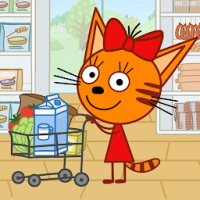
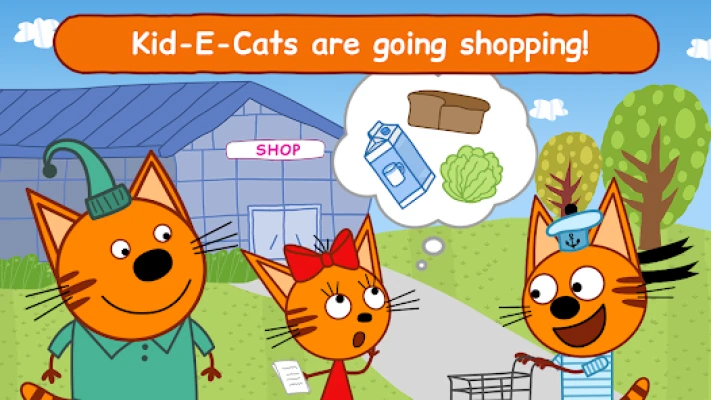
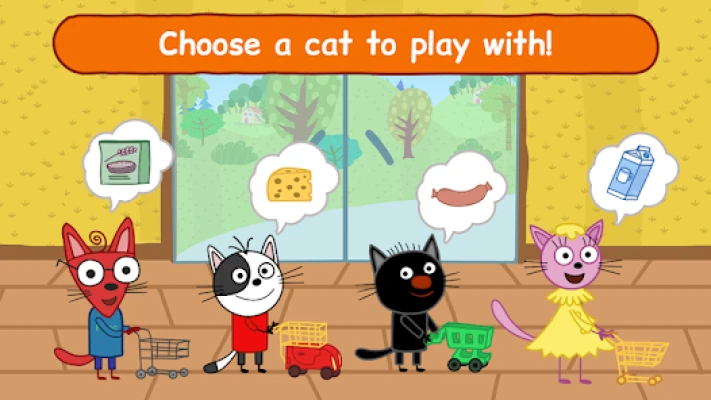
Players join Cookie, Candy, and Pudding—the three kitten characters—as they receive shopping lists from their parents and head to the supermarket to buy groceries. Each level requires players to carefully select items from shelves, place them into a shopping cart, and complete checkout at the cashier.

The game blends simple educational mechanics with interactive gameplay, helping kids understand real-world supermarket routines while enjoying cartoon-style animations and guided tasks. It is designed to be intuitive, easy to play, and suitable for young children.


Key Features

  • Kid-friendly supermarket simulation
  • Based on the Kid-E-Cats cartoon series
  • Shopping list-based gameplay
  • Educational learning experience
  • Colorful cartoon graphics
  • Simple drag-and-drop controls
  • Cashier and checkout system
  • Character-driven missions
  • Safe environment for children
  • Offline-friendly gameplay

Main Gameplay Systems

Shopping List System

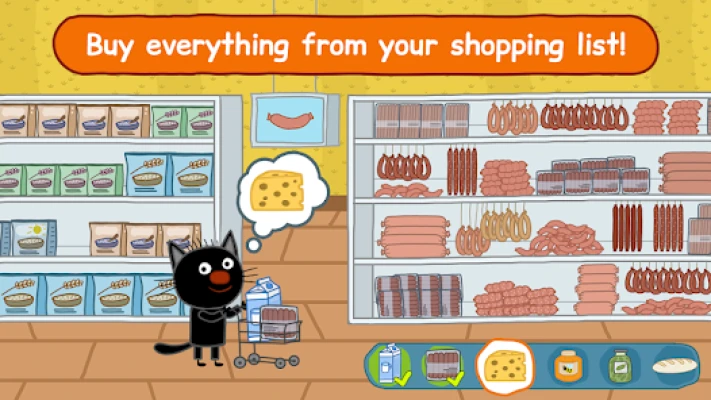
Each level gives players a list of groceries to find in the supermarket.

Item Selection

Players browse shelves and pick correct products like fruits, snacks, and household items.

Cart Filling System

Items are placed into a shopping cart and checked for correctness.

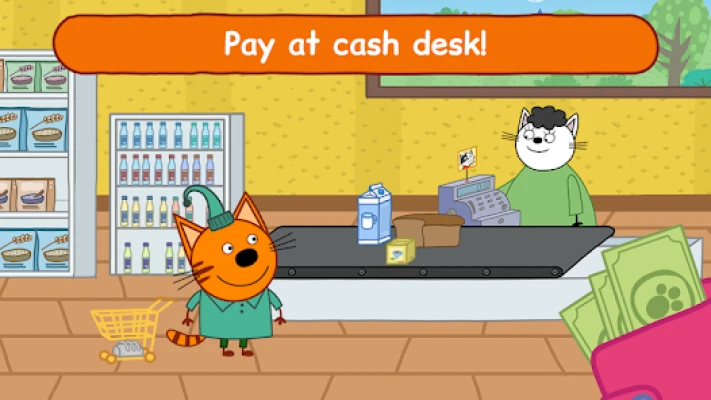
Checkout System

After completing the list, players proceed to the cashier to finish the purchase.


Characters

Cookie

A curious kitten who enjoys helping with shopping tasks.

Candy

Careful and organized, focused on finding correct items.

Pudding

Playful character who makes shopping fun and interactive.


Gameplay Objectives

  • Find correct items from shopping list
  • Avoid picking wrong products
  • Complete shopping before checkout
  • Learn basic counting and item recognition
  • Finish all character missions

How to Play

  1. Choose a kitten character
  2. Receive a shopping list
  3. Enter the supermarket
  4. Pick correct items from shelves
  5. Place items into the cart
  6. Go to cashier
  7. Complete the level

How to Win – Best Strategy

Follow the List Carefully

Always match items exactly to avoid mistakes.

Scan Shelves Slowly

Rushing increases chances of selecting wrong items.

Focus on One Item at a Time

Complete each list item before moving on.

Learn Item Locations

Remember where common groceries are placed.


Tips & Tricks

  • Double-check shopping list before selecting items
  • Use visual cues (color and shape) to identify products
  • Take your time in early levels
  • Replay levels to improve accuracy
  • Avoid random item picking

Beginner’s Guide

Start With Easy Levels

Early stages teach basic supermarket mechanics.

Learn Item Categories

Understand fruits, drinks, snacks, and household items.

Use Character Guidance

The game provides hints for younger players.

Focus on Accuracy

Correct selections matter more than speed.


Advanced Pro Strategy

Memorization Technique

Advanced players remember shelf layouts for faster completion.

Perfect Run Strategy

Avoid all wrong selections for maximum efficiency.

Speed + Accuracy Balance

Later levels require faster but precise shopping.


Player Experience

Players and parents generally describe the game as:

  • Educational and child-friendly
  • Easy to understand
  • Safe for kids
  • Visually colorful and engaging
  • Helpful for early learning skills

However, some feedback mentions:

  • Ads in free version
  • Subscription prompts
  • Repetitive gameplay after long use
  • Limited depth for older players

Pros & Cons

Pros

  • Strong educational value
  • Kid-friendly design
  • Simple gameplay mechanics
  • Recognizable cartoon characters
  • Safe learning environment

Cons

  • Repetitive gameplay loop
  • Monetization via ads and subscriptions
  • Limited complexity
  • Mostly targeted at young children only

Tech Details

FeatureDetails
Game TitleKid-E-Cats: Supermarket Game
DeveloperLCP GAMES
GenreEducational / Kids / Simulation
PlatformAndroid
Downloads10M+
Age RatingEveryone
MonetizationAds + In-app purchases
Gameplay StyleLearning / Shopping simulation

System Requirements

Android Devices

  • Android 5.1 or higher recommended
  • Low-end devices supported
  • Offline playable with limited features

Game Modes Overview

Shopping Mode

Main gameplay where players complete grocery lists.

Learning Mode

Helps children recognize items and improve memory.

Character Mode

Play with different Kid-E-Cats characters.


Updates & What’s New

  • Performance improvements
  • Bug fixes
  • Minor gameplay adjustments
  • Content updates for stability

Comparison Section

GameStrengthWeakness
Kid-E-Cats SupermarketEducational for kidsVery simple gameplay
Pepi SupermarketMore interactiveLess structured learning
Toca KitchenMore creative freedomNot shopping-focused
Dr. Panda SupermarketSimilar learning styleSmaller content variety

User Ratings & Social Proof

  • 10M+ downloads on Google Play
  • Around 4.1★ average rating
  • Thousands of parent reviews praising educational value
  • Popular in early childhood learning apps category

Is It Worth Playing? Honest Verdict

Kid-E-Cats: Supermarket Game is worth it if you are looking for:

  • Educational games for young children
  • Simple shopping simulation
  • Safe cartoon-based learning experience
  • Basic memory and counting practice

It is not designed for:

  • Hardcore gamers
  • Deep gameplay systems
  • Long-term progression
  • Competitive mechanics

Overall, it is a strong early-learning educational app for kids, especially those familiar with the Kid-E-Cats cartoon.


Competitor Games

  • Pepi Supermarket
  • Dr. Panda Supermarket
  • Toca Life World
  • My Town: Stores
  • Shopping Mall Kids Game

Similar Games

  • Kid-E-Cats Animal Doctor
  • Toca Kitchen 2
  • Pepi House
  • Baby Panda Supermarket
  • Dr. Panda Town

FAQ

Is Kid-E-Cats Supermarket Game free?

Yes, it is free to download but contains ads and in-app purchases.

Is it safe for kids?

Yes, it is designed specifically for children with safe content.

What age is it for?

It is rated “Everyone” and suitable for young kids.

Does it teach real-life skills?

Yes, it helps children learn shopping basics, counting, and item recognition.

Can it be played offline?

Yes, basic gameplay can work offline.

Does it include ads?

Yes, ads are included in the free version.

Is it based on a cartoon?

Yes, it is based on the Kid-E-Cats animated series.

Rate the Game

Add Comment & Review

User Reviews

Based on 0 reviews
5 Star
0
4 Star
0
3 Star
0
2 Star
0
1 Star
0
Add Comment & Review
We'll never share your email with anyone else.