
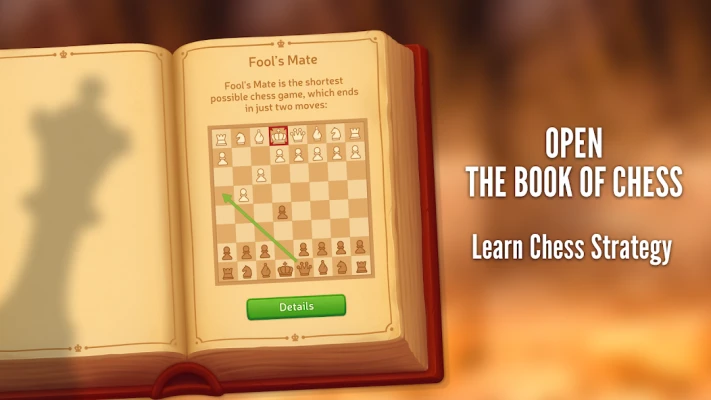
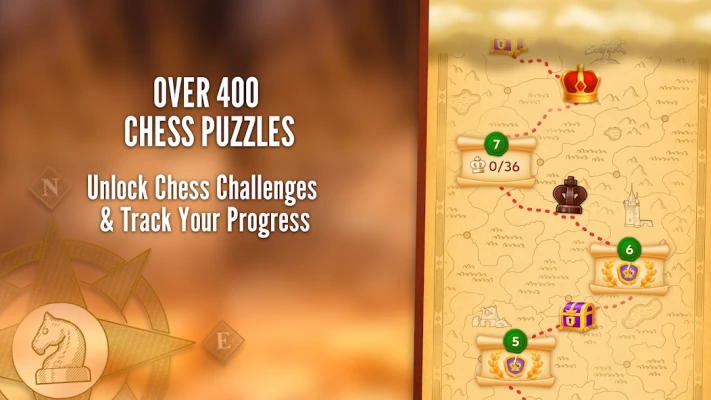
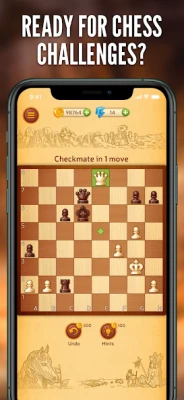
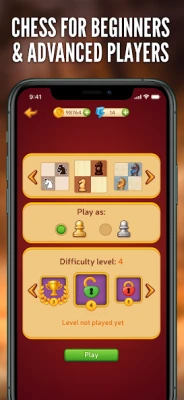
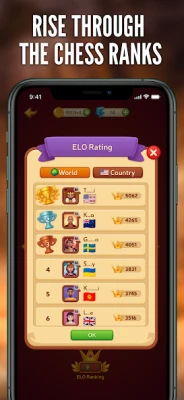
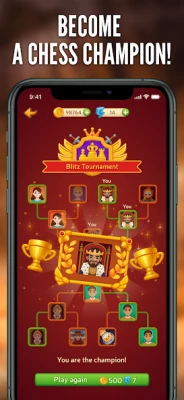
This Chess app is a classic digital board game where players can compete against AI opponents or other players online. It includes multiple difficulty levels, puzzles, hints, undo moves, and training tools designed to help beginners learn chess while also challenging advanced players.
The chess game under package ID pl.lukok.chess is a lightweight Android chess experience focused on accessibility and learning. It allows users to play traditional chess on an 8×8 board with standard rules, either against the computer or in online multiplayer modes depending on version.
The app is designed for both beginners and experienced players, offering adjustable difficulty levels, helpful hints, and training challenges. It emphasizes improving logical thinking, pattern recognition, and strategic planning through repeated gameplay and puzzle-solving.
According to available app listings, it also includes features such as customizable boards, move undo options, and chess puzzles that help players practice specific tactical scenarios.
Main Features
Play Against AI
Challenge computer opponents with multiple difficulty levels from beginner to advanced.
Online Multiplayer
Compete with other players in real-time matches and improve ranking skills.
Chess Puzzles
Solve tactical challenges designed to improve calculation and strategy.
Hints System
Get guidance on the best possible moves during gameplay.
Undo Moves
Reverse mistakes and analyze alternative strategies.
Customization Options
Change board colors, piece styles, and visual settings for a better experience.
How to Play Chess (Beginner Guide)
Step 1: Learn Piece Movement
Each chess piece moves differently:
Pawn moves forward
Rook moves straight lines
Bishop moves diagonally
Knight moves in L-shape
Queen combines rook + bishop movement
King moves one square in any direction
Step 2: Control the Center
Try to control the center of the board early for better mobility.
Step 3: Protect Your King
Always castle early to keep your king safe.
Step 4: Develop Pieces
Bring knights and bishops into play quickly.
Step 5: Checkmate the King
Win by trapping the opponent’s king with no escape squares.
Complete Chess Strategy Walkthrough
Beginner Stage
Focus on learning basic rules and avoiding simple mistakes.
Goals
Understand piece movement
Learn check and checkmate
Avoid losing pieces early
Play slow and carefully
Tips
Don’t move the same piece repeatedly
Develop knights before queen
Castle early for safety
Watch opponent threats
Intermediate Stage
Start using tactics and planning ahead.
Strategy Focus
Forks (attacking multiple pieces)
Pins and skewers
Controlling open files
Improving piece coordination
Goals
Win material advantage
Improve opening knowledge
Reduce blunders
Think 2–3 moves ahead
Advanced Stage
Focus on deep strategy and endgame mastery.
Techniques
Positional play
Endgame king activation
Pawn structure control
Advanced calculation
Goals
Win with minimal mistakes
Master openings and defenses
Improve time management
Analyze games after playing
Best Chess Tips to Win
Control the Center Early
Central squares give maximum mobility.
Develop Pieces Quickly
Don’t delay knight and bishop development.
Protect Your King
Castling is essential for survival.
Avoid Unnecessary Trades
Only exchange when it benefits you.
Think Before Every Move
Every move should have a purpose.
Common Mistakes to Avoid
Moving Queen Too Early
It becomes a target for attacks.
Ignoring Opponent Threats
Always check what your opponent can do.
Not Developing Pieces
Inactive pieces weaken your position.
Playing Without Plan
Random moves lead to quick losses.
Why Players Enjoy This Chess App
Players enjoy this chess app because it provides a simple and accessible way to learn and play chess on mobile devices. The combination of AI opponents, puzzles, and training features makes it suitable for both beginners and casual players looking to improve their strategic thinking.
Its lightweight design and multiple difficulty levels make it easy to start learning chess while still offering long-term challenge for experienced players.
Frequently Asked Questions
Can I play against the computer?
Yes, you can play against AI with different difficulty levels.
Is this chess app good for beginners?
Yes, it includes hints and training puzzles for learning.
Does it include puzzles?
Yes, tactical chess puzzles are included to improve skills.
Can I undo moves?
Yes, the app allows move undo for practice and learning.
Final Verdict
This Chess app is a solid choice for learning and practicing chess on mobile. With AI opponents, puzzles, hints, and customizable settings, it supports both beginners and improving players. It is especially useful for building strategic thinking, improving tactics, and learning the fundamentals of chess in a simple and accessible way.
Comments will not be approved to be posted if they are SPAM, abusive, off-topic, use profanity, contain a personal attack, or promote hate of any kind.