
Latest Version
March 02, 2026
Gamizone Studio
Simulation
Android
0
com.gg.shotgun.sound.game.lightsaber.gunsimulator
Report a Problem
More About :game
1. Description
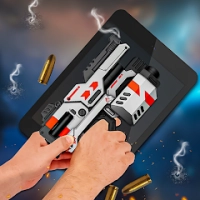
Shotgun Sound & LightSaber Sim is an immersive audio-visual simulator designed for fans of sci-fi and modern weaponry.
2. Key Features
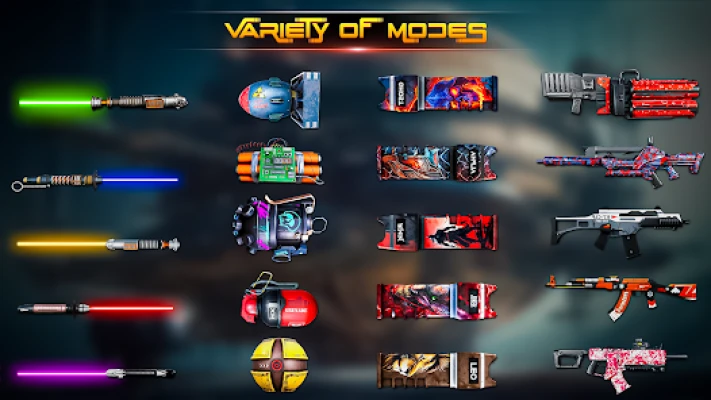
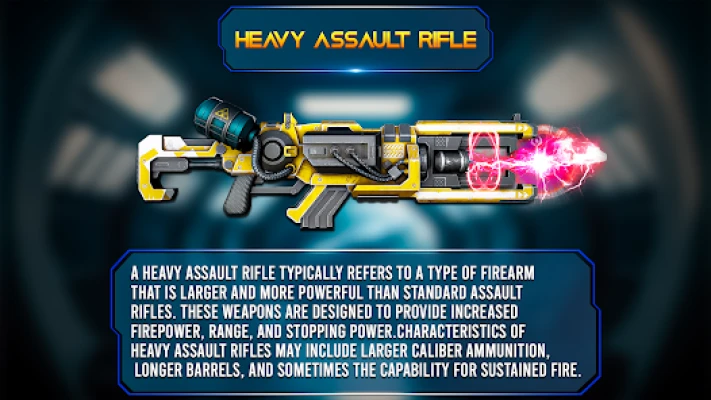
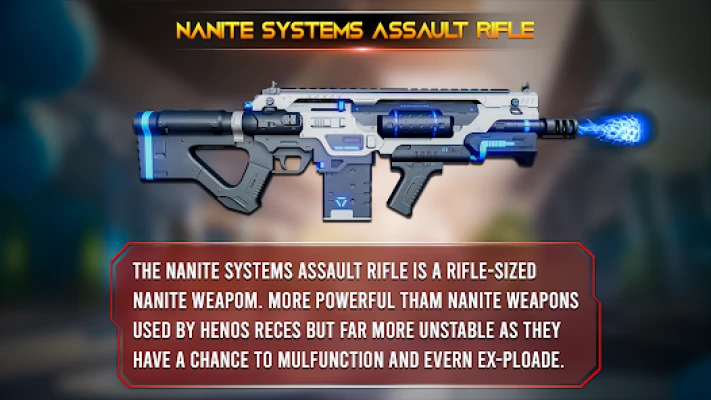
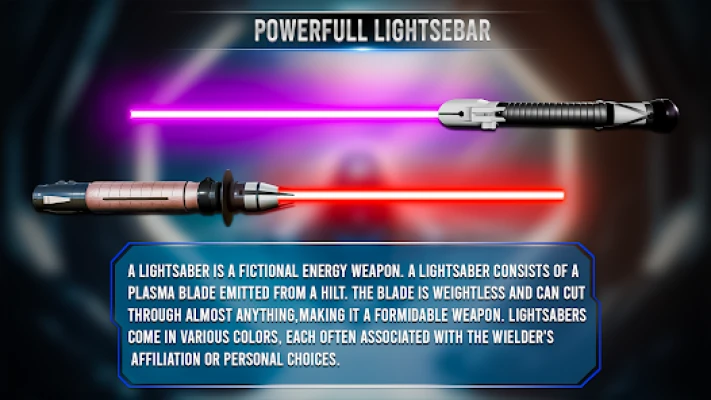
Dual-Themed Collection: Features a wide range of realistic modern firearms (shotguns, pistols, rifles) and futuristic 3D lightsabers.
Realistic Haptics: Synchronized vibration and camera flash effects activate during shooting to mimic recoil and muzzle fire.
Customizable Environments: Change the background and weather conditions to simulate shooting in the Rain, Snow, Underwater, or under a Sunny sky.
Multiple Firing Modes:
Single Shot: Traditional one-tap firing.
Burst Mode: Fires a short sequence of shots.
Auto Shot: Continuous firing as long as you hold the screen.
Shake Mode: Trigger the sound and flash effects by physically shaking the device.
Skin Variety: Includes numerous skins for both guns and lightsabers, ranging from realistic metal finishes to anime-style and epic sci-fi designs.
Infinite Energy/Ammo: No need to wait for reloads or energy recharges unless you want to trigger the manual reload animation.
3. How to Play
The app is designed for ease of use with a straightforward interface:
Select Category: On the home screen, scroll through the menu to choose between the Gun Simulator or Lightsaber Mode.
Pick Your Weapon: Tap on the specific gun skin or lightsaber hilt you wish to use.
Interact: * Shoot/Swing: Tap the screen to fire the gun or activate the lightsaber sound.
Reload: Swipe the screen or tap the reload icon to replenish ammo/energy.
Personalize: Use the settings menu to toggle the flashlight and vibration on or off, and select your preferred environmental weather effects.
4. How to Win: Strategy & Tips
Since this is a simulator rather than a competitive game with levels, "winning" is about maximizing the realism and fun of the experience:
Perfect the Prank: Use the Shake Mode and hide your phone to startle friends with sudden gunshot or saber ignition sounds.
Role-Play Lighting: For the best visual effect, use the app in a dimly lit room; the camera flash "muzzle fire" will appear much more intense and realistic.
Motion Control: Practice your "swing" in lightsaber mode. The app uses the accelerometer to vary the humming sound based on the speed of your movement.
Weather Immersion: Match the in-app weather (like rain or thunder) to your real-world surroundings for a more "tactical" simulation feel.
5. Tech Details
Developer: Published by Gamizone.
Platform: Available on Android (v5.0 and up) and iOS.
Engine & AI: Uses advanced audio processing and AI to ensure low-latency sound triggers, making the response to a tap or shake feel instantaneous.
Category: Simulation / Casual.
Monetization: Free-to-play, supported by advertisements. Some skins or features may be unlocked by watching rewarded videos.
Privacy: Generally does not share user data with third parties; data is encrypted in transit.
Rate the Game
User Reviews















Popular Games



















 Android
 iOS
iOS Windows
 Xbox
Xbox