
Latest Version
November 01, 2024
Kolb Apps
Music
Android
0
com.rodrigokolb.realdrum
Report a Problem
More About :game
What Is Real Drum?
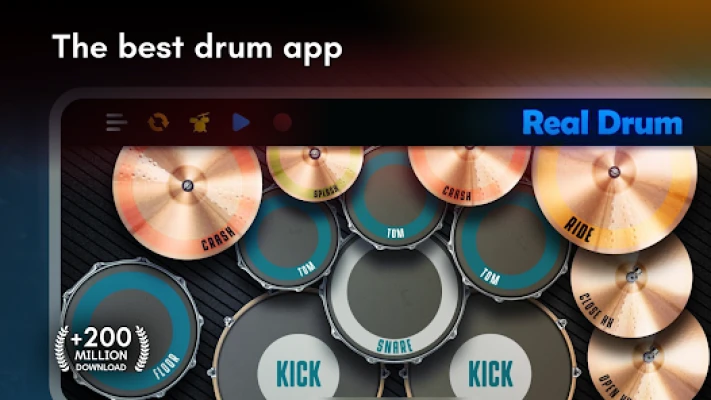
Real Drum is a mobile drumming app designed to simulate a full acoustic and electronic drum kit on a touchscreen interface. It is widely used for:
- Learning basic drumming skills
- Practicing rhythm and timing
- Playing along with music
- Recording drum performances
- Exploring different drum styles
Instead of requiring physical drums, users tap on-screen pads that reproduce realistic drum sounds.
The app is especially popular among beginners because it removes the need for equipment while still teaching real musical timing and coordination.
Key Features
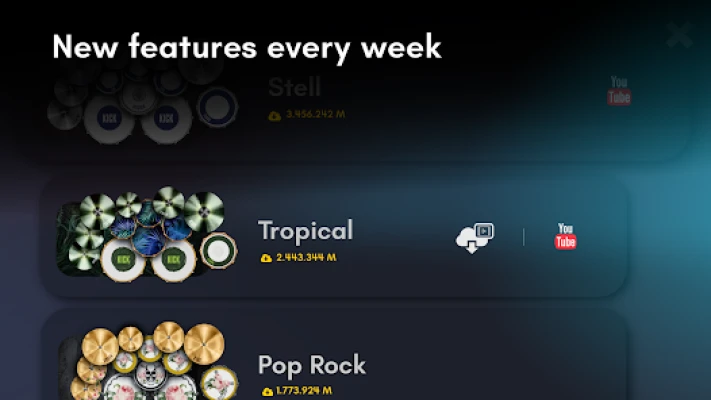
Realistic Drum Kits
Real Drum includes a wide range of drum setups:
- Acoustic drum kits
- Rock & metal kits
- Jazz drum kits
- EDM electronic kits
- Ethnic percussion sets
Each kit uses studio-quality sound samples to mimic real drumming.
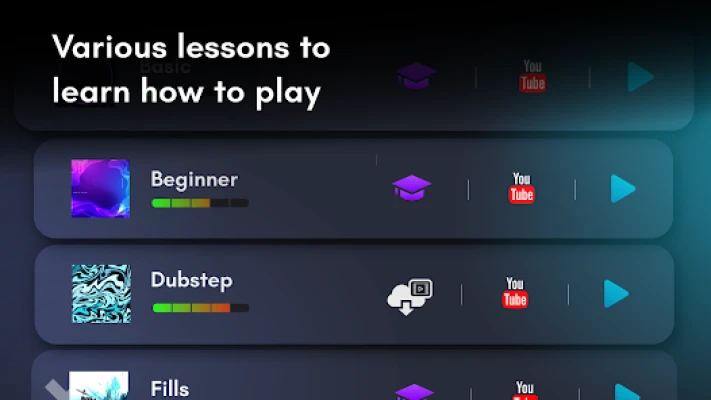
Video Lessons & Learning System
The app includes structured lessons that help users learn:
- Basic beats
- Drum fills
- Rhythm control
- Coordination exercises
- Advanced grooves
Lessons are designed for step-by-step progression, making it suitable for complete beginners.
Play Along With Loops
Users can practice using built-in backing loops to:
- Improve timing accuracy
- Develop rhythm consistency
- Learn musical structure
- Practice real band-style playing
This makes practice more interactive and realistic.
Recording & Sharing
Real Drum allows users to:
- Record drum performances
- Export audio files (MP3)
- Share recordings
- Review progress over time
Recording helps identify timing issues and improve performance.
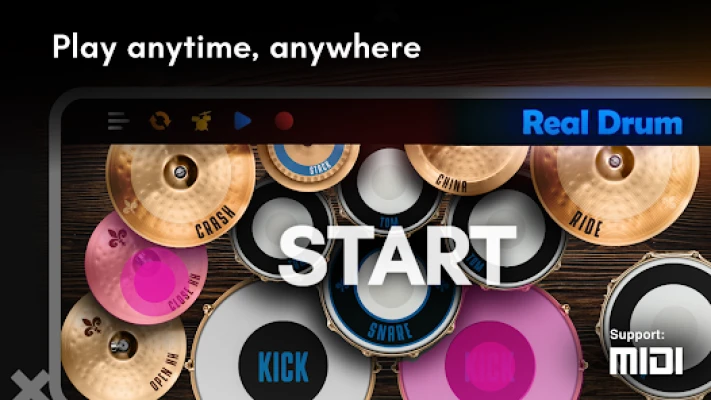
MIDI Support & Customization
Advanced users benefit from:
- MIDI compatibility
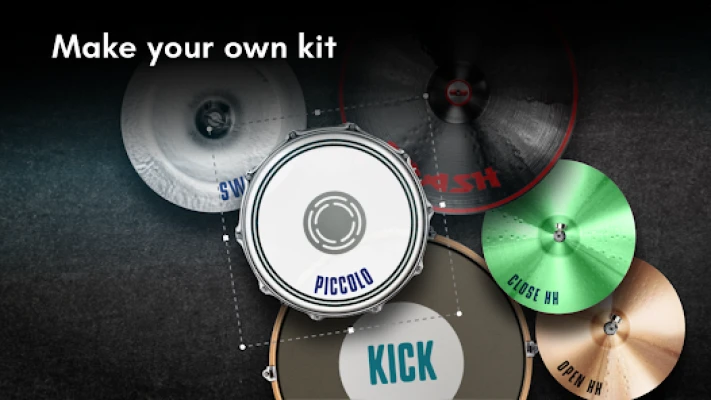
- Custom drum kit creation
- Uploading sounds and images
- Personalized drum layouts
This makes the app useful for both learning and creative music production.
Beginner Walkthrough
Step 1: Learn Drum Layout Basics
Start by understanding key drum elements:
- Kick drum (bass rhythm)
- Snare drum (backbeat)
- Hi-hat (timekeeping)
- Crash cymbal (accents)
- Toms (fills)
Knowing these is essential before playing patterns.
Step 2: Practice Basic Beat (Foundation Groove)
A standard beginner groove:
- Kick: beats 1 & 3
- Snare: beats 2 & 4
- Hi-hat: steady eighth notes
Focus on steady timing rather than speed.
Step 3: Use Built-In Lessons
Follow structured learning:
- Basic rhythm training
- Simple coordination
- Drum fills
- Groove variations
Do not skip steps — each builds core skill.
Step 4: Practice With Loops
Loop practice helps you:
- Stay on beat
- Learn musical flow
- Improve consistency
Start slow, then gradually increase tempo.
Step 5: Record Yourself
After practice:
- Record your session
- Listen carefully
- Identify mistakes
- Repeat until clean
This is one of the fastest improvement methods.
Advanced Walkthrough Guide
Master Drum Rudiments
Core patterns include:
- Single stroke roll
- Double stroke roll
- Paradiddle
These build speed and coordination.
Improve Hand-Foot Coordination
Advanced drumming requires independence:
- Hands play rhythm
- Feet maintain kick patterns
- Hi-hat control adds texture
Start slow and isolate each limb.
Focus on Timing Accuracy
Use slow tempos first:
- 60–70 BPM (beginner control)
- 80–100 BPM (intermediate)
- 120+ BPM (advanced speed control)
Accuracy always comes before speed.
Learn Dynamics
Great drummers control intensity:
- Soft ghost notes
- Strong accents
- Balanced groove feel
This makes drumming sound professional.
Best Tips for Faster Progress
- Practice daily (even 10–15 minutes)
- Always use headphones
- Start slow, then increase tempo
- Replay difficult sections
- Focus on consistency over speed
- Use loops for real timing practice
Common Mistakes to Avoid
- Playing too fast too early
- Ignoring timing accuracy
- Skipping lessons
- Random tapping without rhythm
- Not recording progress
Frequently Asked Questions
Is Real Drum good for beginners?
Yes. It includes guided lessons and simple drum kits that help beginners learn rhythm step by step.
Can I learn real drumming from it?
Yes, it teaches timing, coordination, and rhythm fundamentals, though real drum set practice is needed for full mastery.
Does it include lessons?
Yes, the app includes structured video lessons and practice loops.
Can I record my playing?
Yes, users can record and export their performances.
What styles are supported?
Rock, jazz, EDM, metal, reggae, pop, and more.
Final Verdict
Real Drum is one of the most complete mobile drum simulator apps available today. It combines realistic drum kits, structured lessons, looping practice tools, and recording features into a beginner-friendly learning system. It is especially valuable for users who want to learn drumming fundamentals, improve rhythm accuracy, and practice anywhere without physical equipment.
Rate the Game
User Reviews













Popular Games



















 Android
 iOS
iOS Windows
 Xbox
Xbox