

Latest Version
August 22, 2025
Words Mobile
Music
Android
0
Report a Problem
More About :game
Drum Pad Machine – Complete Guide & Walkthrough
What Is Drum Pad Machine?
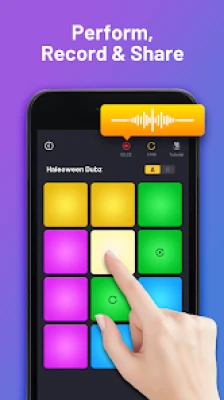
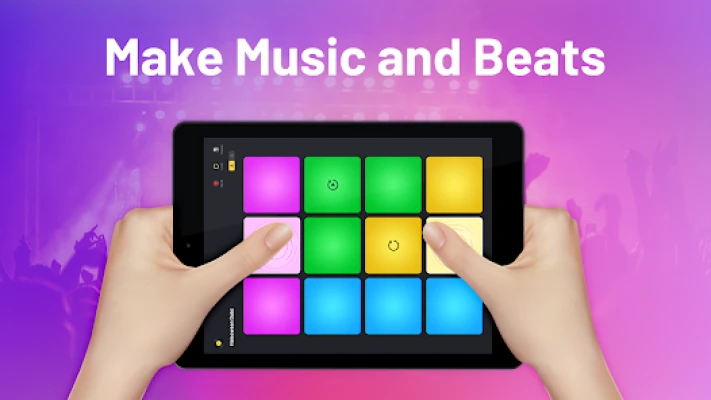
Drum Pad Machine is a mobile music production app that transforms your device into a portable beat-making studio. Players can trigger sounds using interactive drum pads, create loops, build full tracks, and experiment with professional-quality samples. The app includes tutorials, recording tools, and multiple sound packs that make music production accessible even for complete beginners.
Main Features
Create Beats Instantly
The app allows users to:
- Trigger drum sounds
- Launch loops
- Mix melodies
- Build complete tracks
- Record performances
Even first-time users can create impressive beats within minutes.
Multiple Music Genres
Popular genres include:
- Hip-Hop
- Trap
- Dubstep
- EDM
- House
- Drum & Bass
- Electro
- Future Bass
Each genre contains dedicated sound packs and loops designed by professional producers.
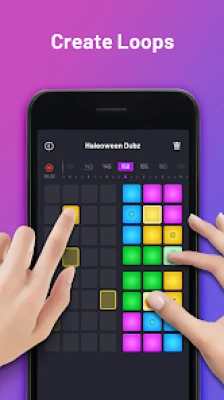
Sequencer System
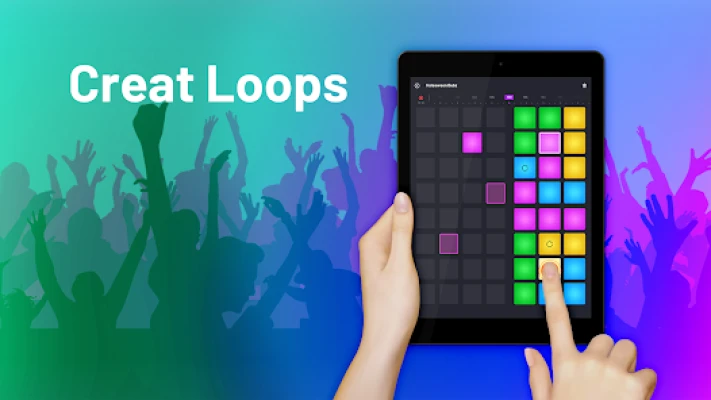
The built-in sequencer helps users:
- Create drum patterns
- Build rhythm loops
- Develop song structures
- Improve timing accuracy
This feature is essential for advanced music production.
Recording and Sharing
You can:
- Record your performances
- Save original tracks
- Export music
- Share creations with friends and communities
The recording tools help transform simple beat sessions into complete music projects.
Beginner Walkthrough
Step 1: Learn the Pad Layout
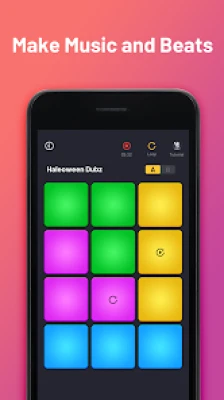
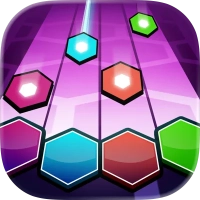
When opening the app, you'll see multiple colored pads.
Each pad triggers:
- Drums
- Bass sounds
- Melodies
- Effects
- Loops
Spend time tapping every pad to understand its function.
Step 2: Start With Simple Beats
Begin with a basic rhythm.
Example:
- Kick drum
- Snare
- Hi-hat
- Bass loop
Keep your first patterns simple and consistent.
Step 3: Add Layers
After establishing a rhythm:
- Add bass sounds
- Introduce melodies
- Include effects
- Experiment with transitions
Layering creates richer and more professional tracks.
Step 4: Use Timing Carefully
Many beginners tap randomly.
Instead:
- Follow the beat grid
- Listen for rhythm changes
- Trigger sounds on time
- Practice repeatedly
Good timing is more important than complexity.
Step 5: Record Your Session
Once your beat sounds good:
- Start recording
- Perform your track
- Save the best version
- Review mistakes
Recording helps improve consistency and creativity.
Advanced Beat-Making Strategy
Build Song Structure
Professional tracks usually follow a structure.
Intro
Introduce melody and atmosphere.
Build-Up
Increase energy gradually.
Drop
Add your strongest rhythm section.
Breakdown
Reduce intensity.
Final Drop
Deliver the biggest impact.
Using structure makes your music sound polished.
Master Layering Techniques
Strong tracks often include:
Drum Layer
Kick, snare, and percussion.
Bass Layer
Low-frequency groove.
Melody Layer
Main musical theme.
FX Layer
Transitions and atmosphere.
Avoid overcrowding your mix with too many sounds.
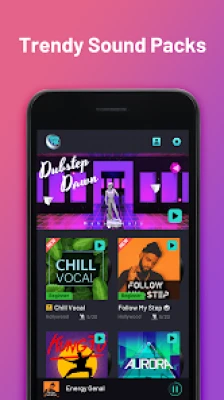
Use Sound Packs Efficiently
Each sound pack is designed around a particular style.
For example:
Trap Packs
Focus on:
- Heavy bass
- Fast hi-hats
- Sharp snares
EDM Packs
Focus on:
- Powerful drops
- Bright synths
- Festival-style sounds
House Packs
Focus on:
- Consistent rhythms
- Deep basslines
- Smooth grooves
Choosing a coherent sound pack creates more professional results.
Best Tips for Faster Improvement
Practice Finger Drumming
Finger drumming develops:
- Timing
- Coordination
- Rhythm accuracy
Short daily practice sessions improve performance dramatically.
Learn Basic Music Theory
Understanding:
- Tempo
- Rhythm
- Bars
- Song structure
will make creating tracks easier.
Focus on Rhythm First
Many beginners prioritize melodies.
Professional producers usually establish:
- Rhythm
- Groove
- Bass
- Melody
in that order.
Watch Tutorials
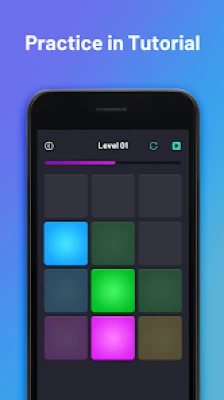
The app includes tutorials designed to help users improve beat-making skills and understand advanced features.
Common Mistakes to Avoid
Using Too Many Sounds
Overloading tracks creates clutter.
Choose a few strong sounds instead.
Ignoring Tempo
Every sound should match the project tempo.
Overusing Effects
Effects should enhance music, not overwhelm it.
Skipping Practice
Musical skills improve through repetition.
Copying Without Learning
Experiment with your own combinations and rhythms.
Frequently Asked Questions
Is Drum Pad Machine good for beginners?
Yes. The app is designed for users of all experience levels and includes tutorials that teach beat-making fundamentals.
Can I create professional-sounding music?
Yes. With proper layering, timing, and sound selection, users can create impressive tracks directly on mobile devices.
What genres are available?
The app supports genres including Hip-Hop, Trap, EDM, House, Dubstep, Electro, Future Bass, and Drum & Bass.
Does the app include recording tools?
Yes. Users can record performances and save their music creations.
How can I improve quickly?
Practice finger drumming, learn rhythm fundamentals, use structured song layouts, and experiment with different sound packs.
Final Verdict
Drum Pad Machine is one of the most accessible mobile music-production apps available. With its intuitive drum-pad interface, extensive sound library, recording capabilities, sequencer tools, and beginner-friendly tutorials, it provides a fun way to learn beat making and music production. Whether you want to create simple rhythms or produce complete electronic tracks, the app offers enough depth to keep both casual users and aspiring producers engaged
Rate the Game
User Reviews













Popular Games



















 Android
 iOS
iOS Windows
 Xbox
Xbox