

Latest Version
June 27, 2026
playducky.com
Simulation
Android
0
com.rushpro.buildbox
Report a Problem
More About :game
BuildBox 3D: Playground Unknown
Build, Create, Explore, and Experiment Without Limits
About BuildBox 3D: Playground Unknown
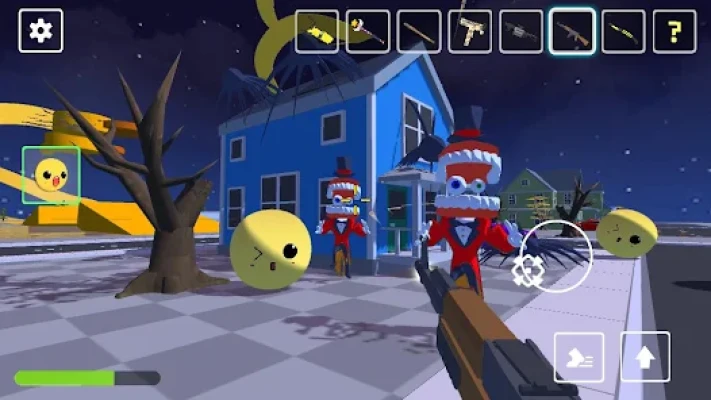
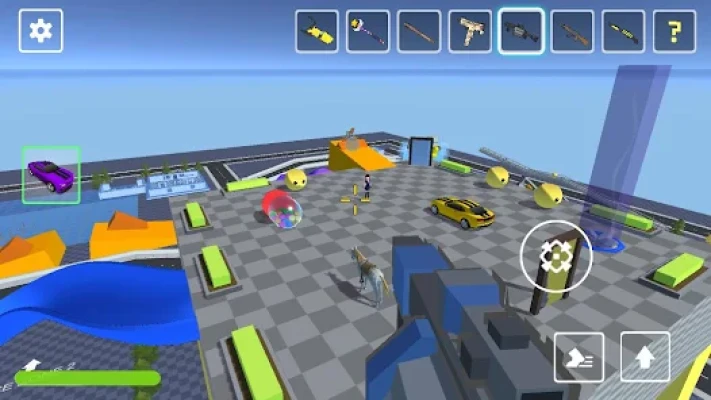
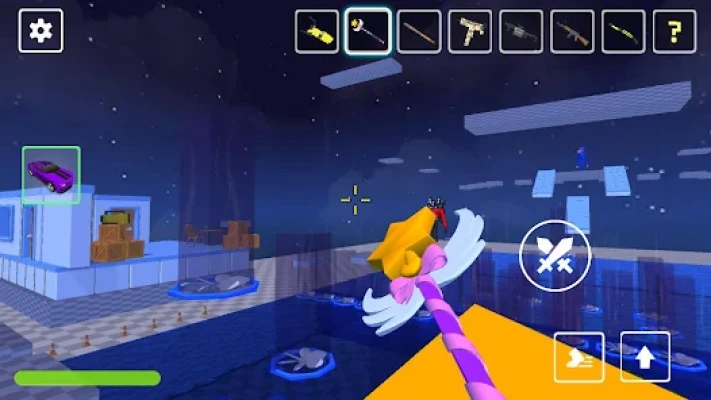
BuildBox 3D: Playground Unknown combines sandbox creativity with first-person action and realistic physics. Instead of following a fixed storyline, you're given complete control over the environment. Place objects anywhere, spawn vehicles and characters, create your own combat scenarios, or build imaginative worlds from scratch.
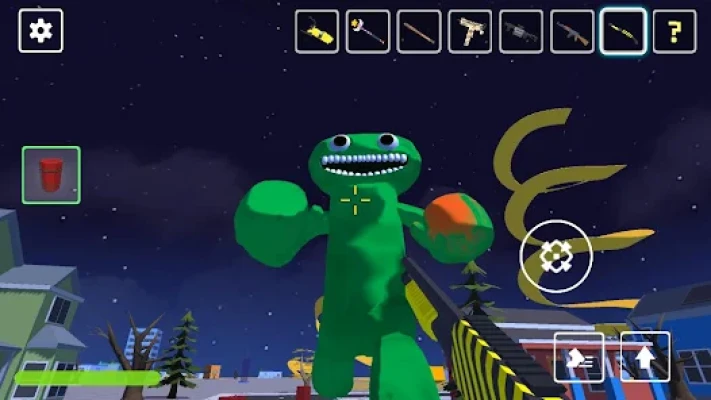
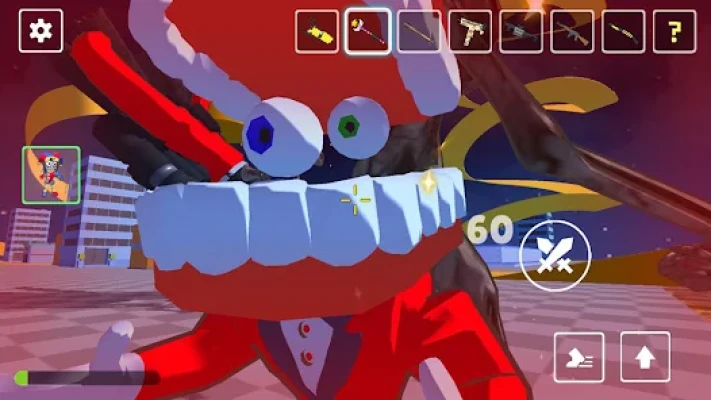
The game includes a large collection of weapons, creatures, vehicles, and environmental props that can interact naturally through its physics engine. Every session can become a unique experience depending on what you decide to create.
Game Features
- Massive open sandbox environment
- Physics-based gameplay
- Hundreds of placeable objects
- Realistic destruction mechanics
- Large collection of weapons
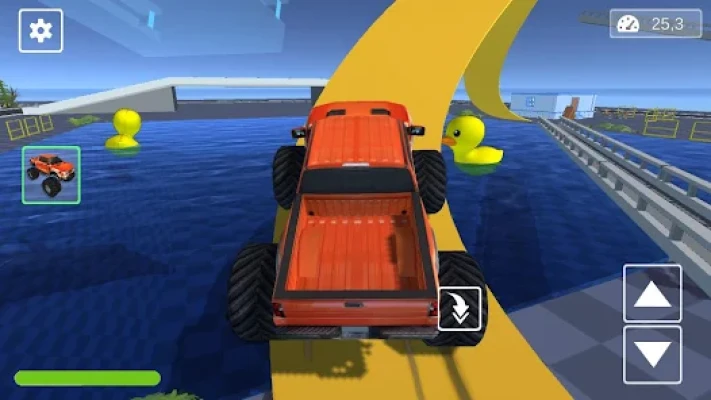
- Cars, tanks, helicopters and other vehicles
- Fantasy and modern characters
- Creative building system
- First-person gameplay
- Unlimited experiment possibilities
How to Play
There are no strict objectives.
Start by selecting a map and opening the object menu.
From there you can:
- Spawn NPCs
- Place buildings
- Add vehicles
- Equip weapons
- Create battle scenarios
- Build obstacle courses
- Test physics interactions
The game encourages creativity rather than linear progression.
Complete Beginner Walkthrough
Step 1: Learn the Interface
Spend your first few minutes learning:
- Camera controls
- Spawn menu
- Object categories
- Weapon selection
- Vehicle controls
Knowing where every menu is makes building much faster.
Step 2: Start Small
Instead of filling the map immediately, create a simple scene.
For example:
- Small house
- Road
- One vehicle
- A few characters
This helps you understand how objects interact.
Step 3: Experiment With Physics
One of the game's biggest strengths is realistic object interaction.
Try:
- Explosions
- Vehicle crashes
- Flying objects
- Chain reactions
- Different weapon effects
Learning these mechanics unlocks countless creative possibilities.
Step 4: Explore Every Category
The object library contains many different items including:
- Buildings
- Furniture
- Military equipment
- Fantasy creatures
- Animals
- Vehicles
- Environmental decorations
Experimenting with different combinations keeps gameplay fresh.
Step 5: Build Larger Worlds
Once you're comfortable with the tools, begin designing complete environments.
Ideas include:
- Military bases
- Zombie survival maps
- Race tracks
- Fantasy kingdoms
- City streets
- Battle arenas
- Adventure parks
Best Beginner Tips
Build in Sections
Large maps become easier to manage when divided into smaller areas.
Test Frequently
After placing several objects, test your world before continuing.
Finding problems early saves time later.
Mix Different Object Types
Creative worlds combine:
- Nature
- Buildings
- Vehicles
- Characters
- Interactive objects
Variety makes every scene feel more alive.
Learn Vehicle Controls
Vehicles are useful for exploring large maps and creating exciting gameplay scenarios.
Practice driving each type before building advanced maps.
Save Creative Ideas
Every experiment can become inspiration for future worlds.
Keep improving your favorite creations.
Weapon Guide
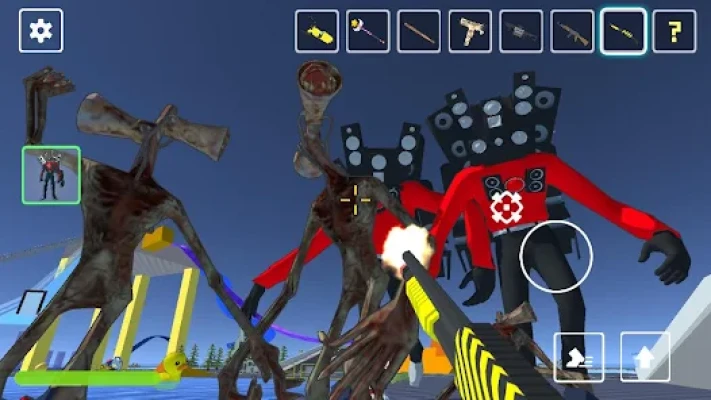
Players have access to numerous tools and weapons including firearms, explosives, melee weapons, and special abilities. Different choices create completely different gameplay experiences, from peaceful exploration to large-scale battles.
Tips:
- Use explosive weapons carefully.
- Test weapon ranges.
- Combine multiple enemy types.
- Experiment with environmental destruction.
Vehicle Guide
The game features many drivable vehicles.
Popular categories include:
- Sports cars
- Police vehicles
- Tanks
- Helicopters
- Spacecraft
- Fantasy mounts
Each vehicle offers unique movement and handling characteristics that work well in different custom scenarios.
Creative Building Ideas
Need inspiration?
Try building:
- Modern city
- Secret laboratory
- Military bunker
- Space station
- Medieval castle
- Zombie apocalypse map
- Racing circuit
- Theme park
- Airport
- Monster arena
The possibilities are nearly endless.
Advanced Building Strategies
Experienced players often:
- Build symmetrical layouts
- Leave open movement paths
- Create multiple battle zones
- Separate civilian and combat areas
- Design layered environments
These techniques produce more immersive sandbox experiences.
Common Mistakes to Avoid
Many beginners:
- Spawn too many objects at once
- Ignore map organization
- Forget to test physics
- Overcrowd environments
- Place incompatible objects together
Planning ahead creates smoother gameplay and better performance.
Progression Guide
Early Game
- Learn controls
- Test weapons
- Spawn simple objects
- Explore maps
Mid Game
- Build larger environments
- Master vehicles
- Create custom battles
- Experiment with physics
Late Game
- Design massive sandbox worlds
- Build complex cities
- Create cinematic action scenes
- Optimize large maps for smoother gameplay
Best Ways to Enjoy the Game
BuildBox 3D: Playground Unknown offers many different playstyles:
- Creative building
- Vehicle simulation
- Physics experiments
- Battle creation
- Exploration
- Role-playing scenarios
- Destruction testing
- Custom adventure maps
Trying different styles keeps every session entertaining.
Users Feedback Insights
Community feedback frequently highlights the game's creative freedom, wide variety of spawnable content, and enjoyable sandbox mechanics. Players appreciate being able to build custom worlds and experiment with physics using numerous vehicles, weapons, and characters.
Some users also mention that performance may decrease when too many objects are spawned simultaneously, while others would like improved controls, additional optimization, and more customization options in future updates. These are community opinions rather than objective facts.
Frequently Asked Questions
Is BuildBox 3D: Playground Unknown free to play?
Yes. The game is free to download and includes optional in-app purchases.
Does the game have missions?
The primary focus is sandbox gameplay, allowing players to create their own objectives and scenarios.
Can I drive vehicles?
Yes. The game includes a wide selection of drivable vehicles ranging from cars to tanks and aircraft.
Is there combat?
Yes. You can create action scenarios using different enemies, weapons, and environmental objects.
What makes the game unique?
Its combination of creative building, first-person gameplay, realistic physics, and a large collection of customizable content provides virtually unlimited replay value.
Final Thoughts
BuildBox 3D: Playground Unknown is an excellent choice for players who enjoy unrestricted creativity and sandbox experimentation. Whether you're constructing detailed cities, testing realistic physics, designing epic battles, or simply exploring imaginative ideas, the game provides countless opportunities to create unique experiences. With regular experimentation and thoughtful world design, every session can feel completely different from the last.
Rate the Game
User Reviews












Popular Games


















 Android
 iOS
iOS Windows
 Xbox
Xbox