
Latest Version
February 14, 2026
My Town Games Ltd
Role Playing
0
Report a Problem
More About :game
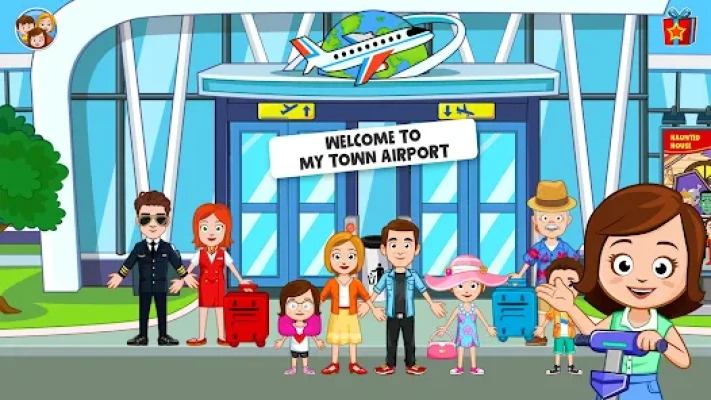
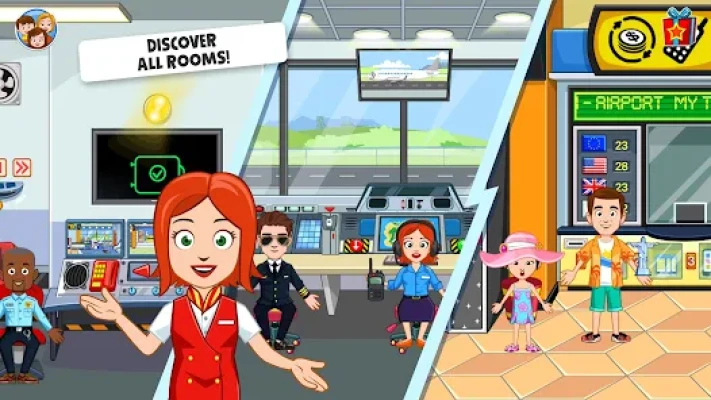
My Town: Airport brings the hustle and bustle of international travel to your screen. This open-ended simulation game features over 9 massive locations where children can explore every aspect of airport life.
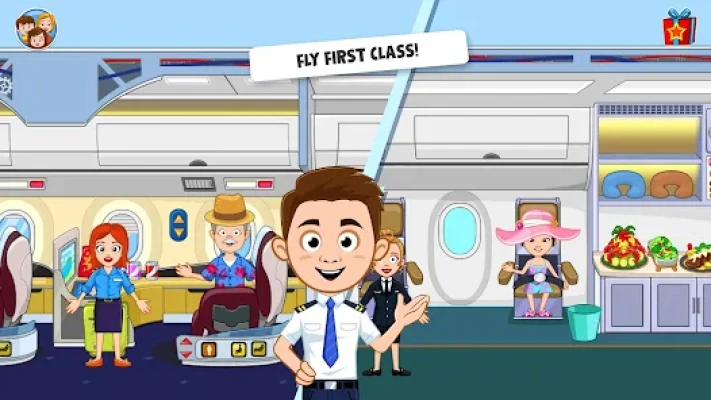
Unlike traditional games with high scores or time limits, My Town: Airport offers a stress-free environment where kids can touch, move, and interact with almost every object. You can customize your airplane’s colors, serve first-class meals, or manage the control tower. As part of the My Town world, you can also bring in characters from your other My Town games to join your vacation, making it a truly connected play experience.
Key Features
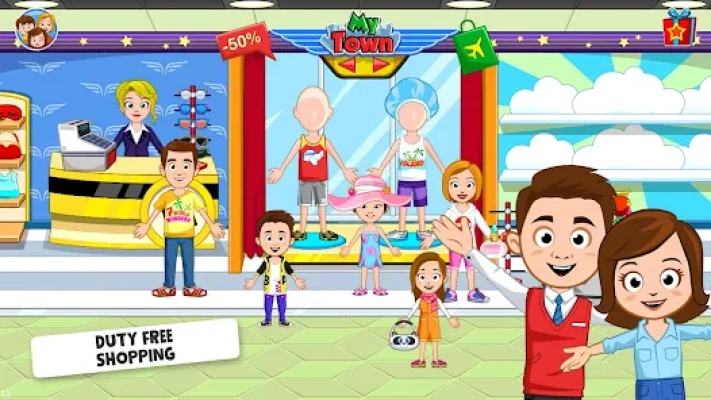
9+ Interactive Locations: Explore the Check-in Desk, Security Scanner, Duty-Free Shop, VIP Lounge, Airplane Cabin, Cockpit, and even a Skydiving zone!
New Characters: Play with a diverse cast of pilots, stewardesses, security officers, and travelers.
Customizable Airplanes: Personalize your plane with different colors and stickers to make it your own.
Mini-Games & Puzzles: Discover hidden secrets and play unique mini-games scattered throughout the airport terminals.
Multi-Touch Support: Play with friends or family on the same device—perfect for collaborative storytelling.
Safe & Kid-Friendly: Designed for ages 4-12 with no third-party ads or hidden trackers.
How to Play
Check-In: Start at the entrance, get your tickets, and drop your bags on the luggage belt.
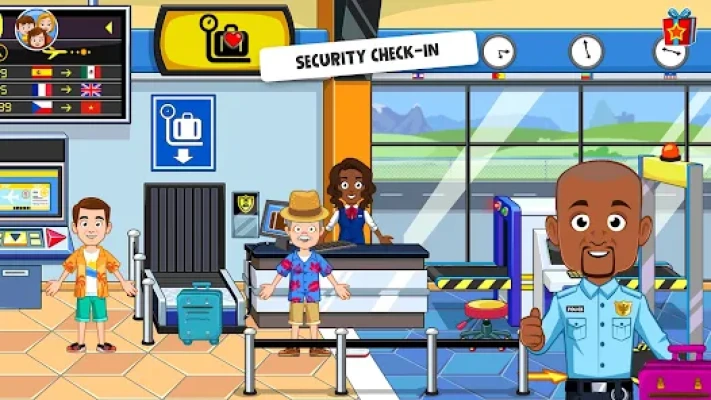
Security First: Pass your characters and bags through the X-ray scanner (watch out for the "buzz" if you have metal!).
Explore the Terminal: Visit the duty-free shop to buy gifts or relax in the VIP lounge before boarding.
Take Flight: Place your pilot in the cockpit and your passengers in their seats to begin the journey.
Roleplay: Swap between roles like the security guard, the flight attendant serving food, or the captain.
How to Win: Strategy
Discovery over Competition: Success is defined by finding all the interactive "easter eggs." Try clicking on everything—even the vending machines and lockers—to find hidden costumes.
Character Integration: Use the character porting feature to bring "Doctors" or "Police Officers" from other My Town apps to create unique "emergency" or "security" storylines.
Tips & Tricks
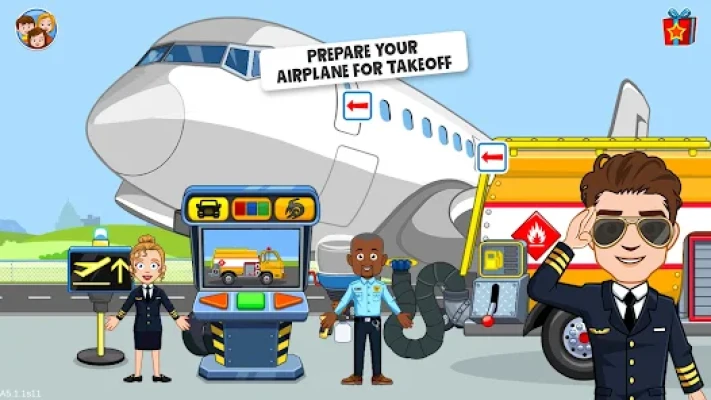
The Gas Truck: Before takeoff, make sure to bring the gas truck to the plane to "refuel" it for a fun, realistic animation.
Skydiving Fun: Look for the parachute gear! You can actually take characters skydiving for a thrilling mini-game outside the plane.
Hidden Luggage: Some suitcases contain special items or costumes—try opening every bag you find on the luggage carousel.
Scanner Secrets: Place different objects on the security scanner to see how they look under the X-ray.
Player Experience
Parents frequently highlight the safety and ease of use, noting that even 4-year-olds can navigate the menus without help. Players love the "dollhouse" freedom, particularly the ability to dress up characters in specific uniforms (like the pilot's hat or the stewardess scarf) which enhances the roleplay immersion.
Technical Details
| Feature | Requirement / Detail |
| Platforms | Android, iOS, Amazon, Windows |
| File Size | Approx. 277MB |
| Minimum OS | Android 5.0+ / iOS 11.0+ |
| Age Rating | 4–12 Years (Teacher Approved) |
| Offline Play | Supported (Play anywhere without Wi-Fi) |
| Connectivity | Links with all other My Town/My City apps |
Comparison Section
| Feature | My Town: Airport | Typical Flight Sims |
| Complexity | Simple & Intuitive (Kids) | Complex Controls (Adults) |
| Interactivity | 100+ movable objects | Limited to cockpit buttons |
| Storytelling | Open-ended Roleplay | Goal-oriented Missions |
| Safety | No Ads/IAP (Paid/Pass) | Often Ad-heavy |
Competitors & Similar Games
Competitors: Tizi Town: My Airport, Dr. Panda Town: Vacation, Pepi Super Stores.
Similar Games: My Town: Grand Hotel, My City: London, Toca Life: World, and Yasa Pets Airport.
Frequently Asked Questions (FAQ)
Q: Can I play the Free version without paying for anything?
A: The "Free" version allows you to explore several locations, though some premium areas or characters may require a one-time unlock or a subscription like Play Pass.
Q: How do I save my progress?
A: The game automatically saves the position of your characters and their outfits, so you can pick up exactly where you left off.
Q: Are there any scary elements for young kids?
A: No. Every part of the game, including security and skydiving, is designed to be playful, colorful, and child-safe.
Rate the Game
User Reviews










Popular Games


















 Android
 iOS
iOS Windows
 Xbox
Xbox