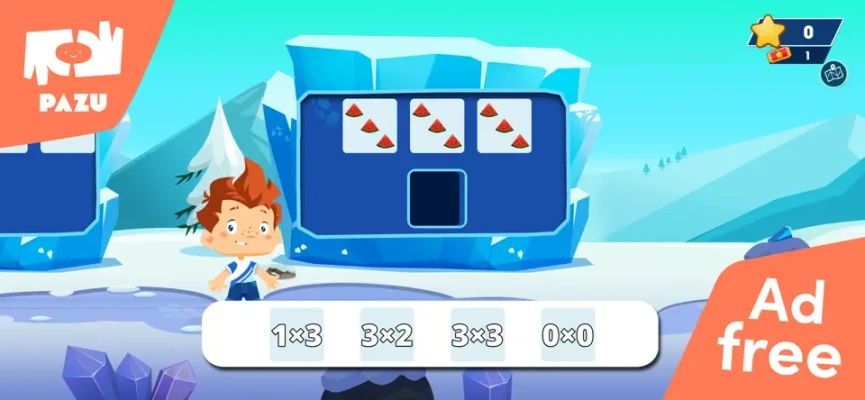
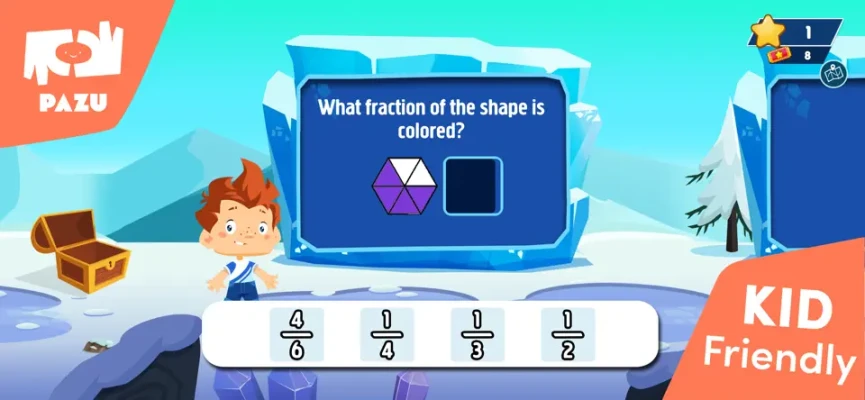
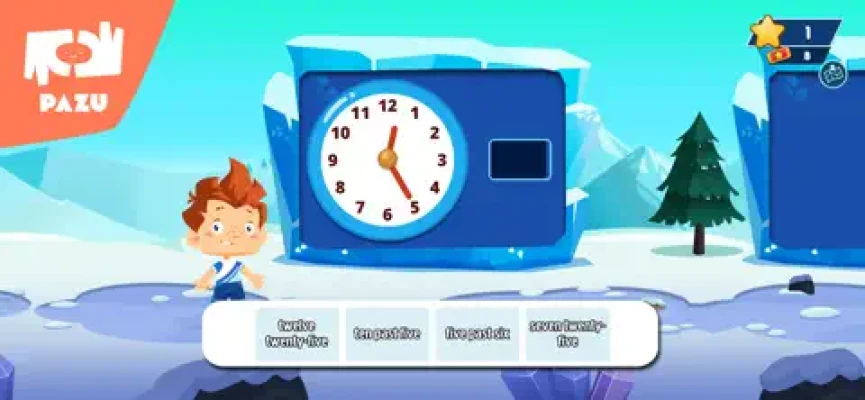
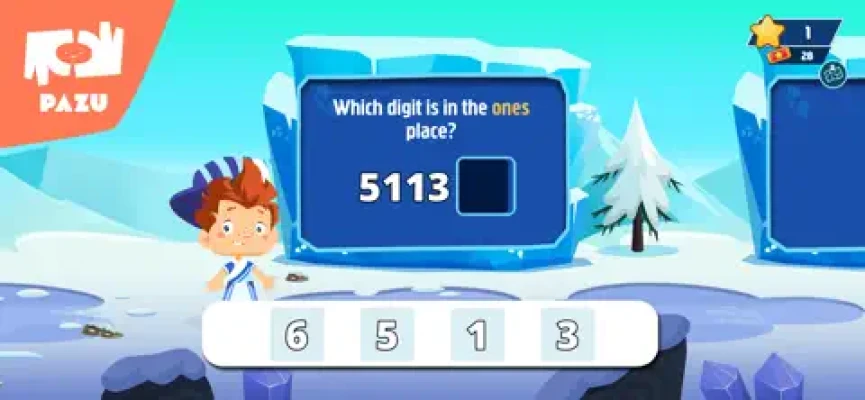
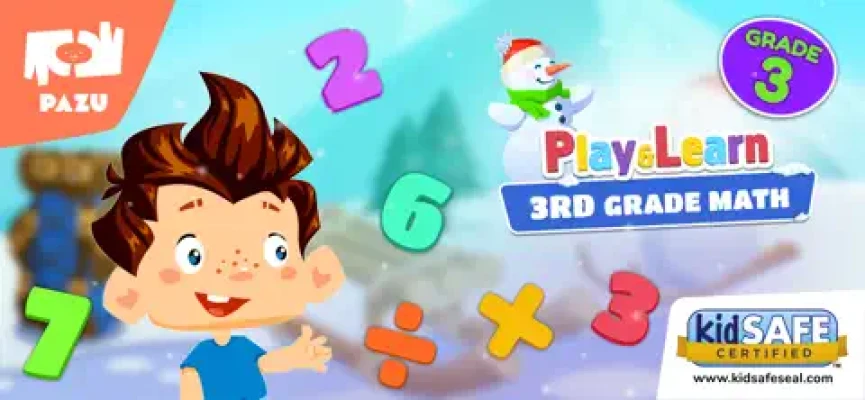
Math Games for Kids Grade 3 is an educational learning app packed with interactive math challenges, adaptive lessons, and fun mini-games designed to help third-grade children improve math skills while enjoying safe and engaging gameplay.
Math Games for Kids Grade 3 on App Store is an educational math adventure developed by Pazu Games to help third-grade children strengthen essential math skills through interactive gameplay. The app combines colorful visuals, adaptive learning systems, and teacher-designed lessons to create a fun and stress-free learning experience.
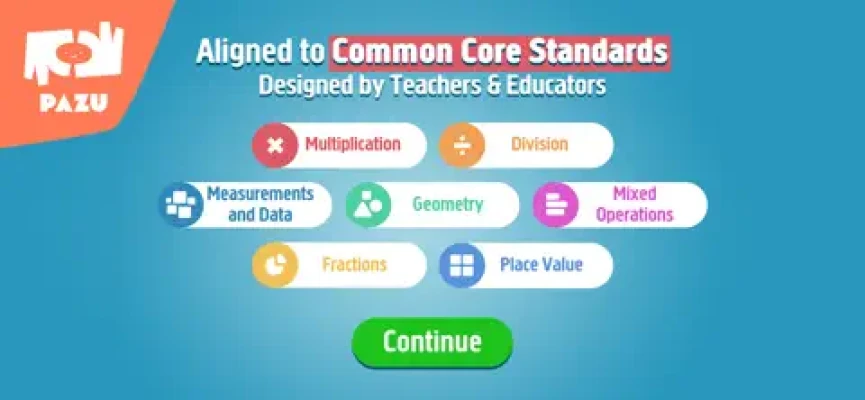
The game covers a wide range of grade 3 math topics including multiplication, division, fractions, geometry, decimals, measurements, time, graphs, place value, and mixed operations. According to the official App Store description, the curriculum is aligned with Common Core standards and designed by teachers and educators.
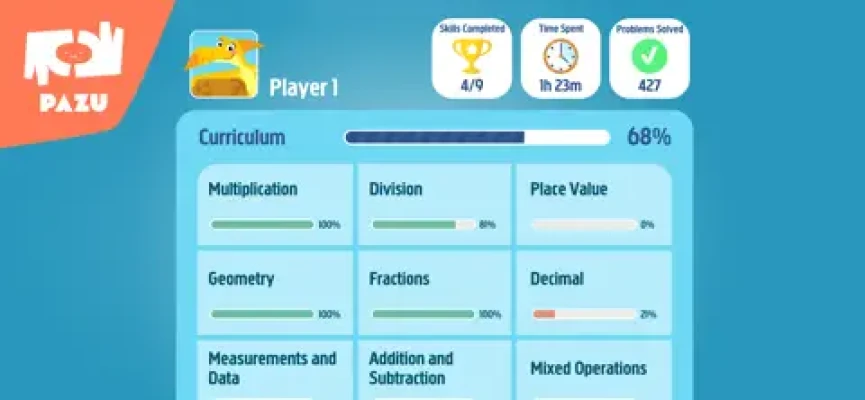
Children can solve puzzles, complete mini-games, unlock new challenges, and track progress while developing problem-solving confidence. The app also includes adaptive learning technology that adjusts difficulty levels based on player performance.
Game Theme & Atmosphere
The game delivers a cheerful and motivating educational atmosphere with:
Bright colorful graphics
Friendly animations
Reward-based learning
Relaxing child-friendly music
Positive encouragement systems
The playful design helps children stay focused while making math feel less intimidating.
Game Story
Instead of following a traditional storyline, Math Games for Kids Grade 3 transforms learning into an educational adventure where players become young math champions solving puzzles and unlocking increasingly advanced challenges.
Each completed activity helps children improve real-world math skills while progressing through exciting educational tasks.
Gameplay Overview
Players complete educational mini-games and challenges focused on:
Multiplication
Division
Fractions
Decimals
Geometry
Measurements
Place value
Time-telling
Graph reading
Mixed operations
The adaptive learning system personalizes lessons according to the child’s performance level.
Many educational apps use gamification because interactive learning systems can significantly improve student engagement and knowledge retention.
Features
Common Core aligned curriculum
Teacher-designed lessons
Adaptive learning technology
Parent progress reports
Practice by topic system
No ads and safe environment
Multiplication and division activities
Fraction and decimal lessons
Geometry challenges
Multiple educational mini-games
Available in 19 languages
Child-friendly controls
According to the official App Store listing, the app supports learning for children from kindergarten through fifth grade within the Pazu educational ecosystem.
Controls & Interface Guide
Control
Function
Tap
Select answers
Drag
Move puzzle elements
Swipe
Navigate menus
Hint Prompts
Assist learning
Parent Zone
Check progress
Topic Menu
Select subjects
The interface uses large colorful icons that are easy for children to understand independently.
Game Progression System
Players advance by:
Completing math lessons
Unlocking harder challenges
Improving skill accuracy
Mastering specific math categories
Tracking learning progress
The adaptive system gradually increases difficulty as players improve.
Characters
The game includes:
Friendly educational mascots
Cartoon-style guides
Animated helper characters
Interactive learning companions
These characters help maintain motivation during learning sessions.
Weapons / Items
Since the game is educational, there are no weapons. Instead, children interact with:
Number blocks
Math puzzles
Fraction bars
Geometry shapes
Multiplication grids
Educational tools and graphs
How to Play
Open the game
Choose a math category
Solve interactive challenges
Earn rewards for correct answers
Unlock advanced lessons
Continue improving math mastery
The simple structure allows children to play independently while learning.
Accessibility
The game supports accessibility through:
Large touch controls
Bright visual indicators
Simple menu layouts
Child-safe navigation
Minimal reading complexity
Positive audio feedback
The App Store also notes the inclusion of parental controls and in-app safety systems.
How to Win: Strategy
Children improve faster by:
Practicing consistently
Repeating difficult lessons
Focusing on one topic at a time
Building accuracy before speed
Using visual learning clues
Daily short learning sessions often help maintain long-term skill retention.
Tips & Tricks
Start with easier categories first
Practice multiplication tables daily
Use geometry visuals carefully
Repeat challenging lessons
Focus on understanding patterns
Encourage regular practice sessions
Beginner’s Guide
New players should begin with:
Basic multiplication
Simple division
Place value exercises
Easy geometry puzzles
The adaptive learning system helps new players build confidence gradually.
Advanced Pro Strategy
Advanced learners can:
Solve equations faster
Master fractions and decimals
Improve mental math speed
Complete mixed operations efficiently
Practice advanced geometry concepts
Older children often enjoy challenging themselves for better speed and accuracy scores.
Trophy & Achievement Guide
Possible achievements include:
Completing multiplication mastery
Unlocking advanced fraction lessons
Solving geometry challenges
Finishing mixed operation activities
Completing daily practice goals
Game Difficulty
Gameplay Element
Difficulty
Controls
Very Easy
Basic Multiplication
Easy
Fractions
Medium
Decimals
Medium
Advanced Mixed Operations
Medium-Hard
The difficulty scales gradually for third-grade learners.
Players Experience
Parents and children often praise educational math games for turning difficult school subjects into enjoyable activities. Many discussions about children’s learning apps highlight the value of adaptive systems, progress tracking, and reward-based learning.
Players enjoy:
Fun educational mini-games
Bright colorful visuals
Structured progression
Safe gameplay environment
Interactive learning activities
Some users online also discuss concerns about subscription pricing in children’s educational apps.
Pros & Cons
Pros
Strong educational curriculum
Teacher-designed lessons
Adaptive learning system
Safe ad-free gameplay
Excellent math topic variety
Parent progress tracking
Child-friendly interface
Cons
Subscription required for full access
Some repetition during practice
Advanced learners may outgrow content quickly
Tech Details
Feature
Details
Platform
iPhone & iPad
Genre
Educational / Math
Developer
Pazu Games Ltd
Age Rating
4+
Languages
19 Languages
App Size
109.9 MB
Internet
Optional
System Requirements
Requirement
Details
OS
iOS 12.0 or later
Device
iPhone / iPad
Storage
109.9 MB
Internet
Optional
Game Modes Overview
Mode
Description
Practice Mode
Solve educational exercises
Topic Challenges
Focus on one math skill
Adaptive Learning
Personalized progression
Parent Zone
Monitor child performance
Updates & What's New
Recent updates include:
Graphical improvements
Interface enhancements
Bug fixes
Gameplay optimizations
The developers continue maintaining the app with performance updates and educational improvements.
Comparison Section
Feature
Math Games for Kids Grade 3
Typical Math Apps
Common Core Alignment
Yes
Sometimes
Adaptive Learning
Advanced
Limited
Parent Reports
Included
Rare
Teacher Designed
Yes
Mixed
Child Safety
Excellent
Varies
Grade-Specific Content
Strong
Generic
User Ratings & Social Proof
The app currently holds positive ratings on the App Store with users praising:
Educational quality
Safe gameplay
Fun learning structure
Interactive activities
The Canadian App Store version lists strong review scores from parents and children.
Educational communities online frequently recommend math games that combine adaptive learning with entertaining gameplay systems.
Expert Rating
Category
Score
Educational Value
9.5/10
Child Safety
9/10
Ease of Use
9.5/10
Learning Progression
9/10
Replayability
8/10
Overall Expert Score: 9.2/10
Why This Game Stands Out
Math Games for Kids Grade 3 stands out because it combines:
Real educational curriculum
Adaptive learning systems
Child-friendly game design
Teacher-created lessons
Safe ad-free gameplay
Unlike many basic flashcard apps, this game creates a full educational adventure with engaging progression systems.
Is It Worth Playing? Honest Verdict
Yes — Math Games for Kids Grade 3 is a strong educational app for elementary students who need extra math practice in a fun and motivating environment. The wide curriculum coverage, adaptive difficulty system, and safe gameplay design make it valuable for both parents and teachers.
While the subscription model may not suit everyone, the educational quality and structured learning system are impressive.
Competitor Games
Popular alternatives include:
Prodigy Math Game
SplashLearn
Khan Academy Kids
Monster Math
Math Tango
Funexpected Math
Parents frequently discuss subscription-based educational apps and compare their learning quality, pricing, and engagement systems online.
Similar Games
3rd Grade Learning Games
Kids Multiplication Games
Fraction Puzzle Games
Geometry Learning Apps
Educational Math Adventures
Interactive Classroom Games
Final Summary / Conclusion
Math Games for Kids Grade 3 successfully transforms third-grade math education into an engaging interactive adventure. With adaptive learning systems, colorful visuals, teacher-designed lessons, and a broad curriculum covering multiplication, fractions, geometry, and decimals, the app offers excellent educational value for children.
It is a strong choice for parents searching for safe, productive, and entertaining educational screen time.
FAQ
Is Math Games for Kids Grade 3 free?
Yes, the app is free to download with optional subscriptions and in-app purchases.
What age group is this app for?
The app is mainly designed for third-grade children around ages 7–9.
Does the app contain ads?
The official App Store listing states that the game provides a safe no-ads environment.
What math subjects are included?
The game covers multiplication, division, fractions, decimals, geometry, measurements, graphs, and mixed operations.
Is the curriculum school aligned?
Yes, the app is aligned with Common Core educational standards.
Can parents track progress?
Yes, the app includes a Parent Zone with progress tracking and reports.
Comments will not be approved to be posted if they are SPAM, abusive, off-topic, use profanity, contain a personal attack, or promote hate of any kind.