

Latest Version
April 10, 2024
IDZ Digital Private Limited
Educational
81
com.iz.kids.word.search.games.spelling.words.vocabulary.letters.kindergarten.preschool.learning
Report a Problem
More About :game
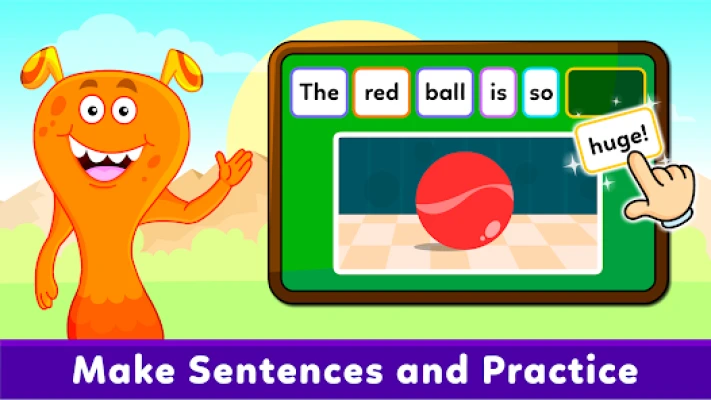
Kids Spelling & Reading Games transforms early literacy into an enjoyable learning adventure. Instead of memorizing words from textbooks, children actively build words by dragging letters, listening to pronunciations, and interacting with colorful characters.
Each activity reinforces letter recognition, phonics, vocabulary, spelling, and reading comprehension, making the learning process natural and engaging. The app is suitable for independent learning or for parents and teachers who want to support early language development at home or in the classroom.
Game Genre
- Educational
- Kids Learning
- Reading Game
- Spelling Game
- Vocabulary Builder
- Preschool Education
- Kindergarten Learning
- Phonics Game
Game Atmosphere
The game creates a cheerful and welcoming environment filled with bright colors, playful animations, friendly characters, and encouraging voice guidance. Every lesson feels like a mini adventure that motivates children to keep learning while having fun.
The calm background music and simple interface help young learners stay focused without feeling overwhelmed.
Main Features
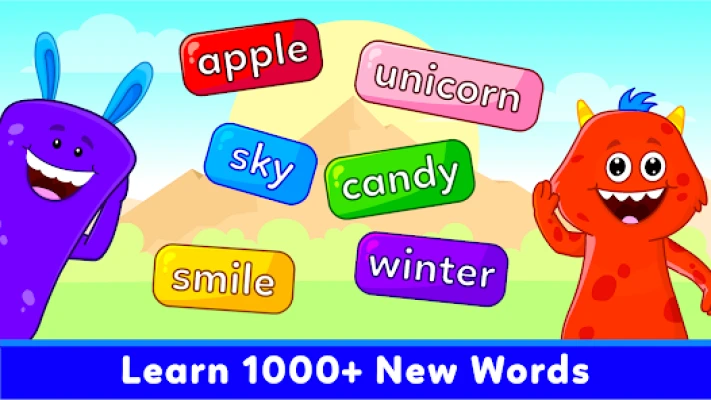
- More than 100 educational vocabulary games
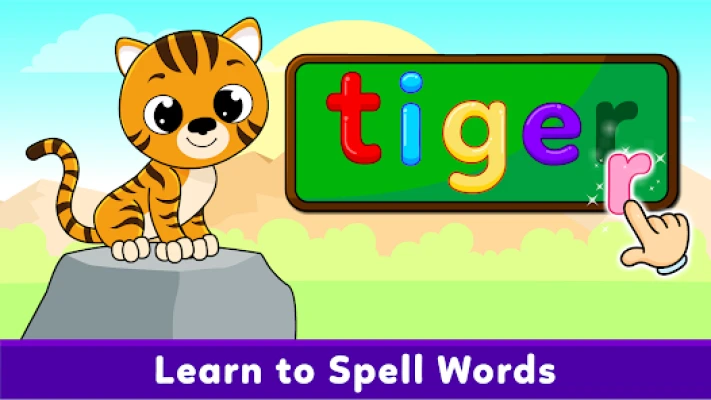
- Interactive spelling activities
- Letter recognition exercises
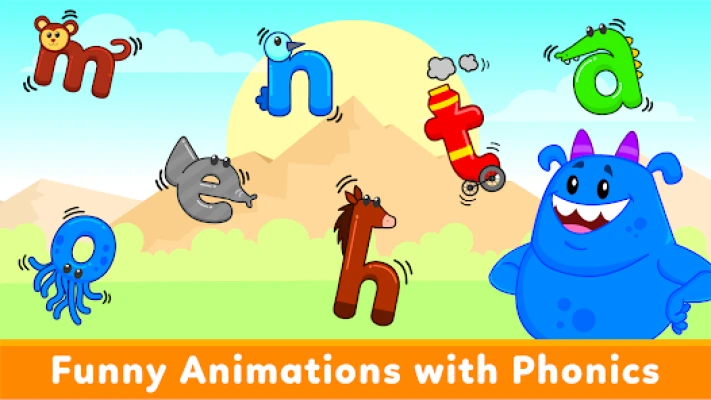
- Phonics learning
- Pronunciation voiceovers
- Reading practice
- Vocabulary building
- Colorful animations
- Friendly child-safe interface
- Multiple learning themes
- Offline learning support
- Suitable for preschool and kindergarten children
- Teacher Approved on Google Play
- Progressive learning levels
Learning Topics
Children learn words related to:
- Animals
- Seasons
- Places
- Action words
- Body parts
- Everyday objects
- Nature
- Household items
- Community places
- Food
- Colors
- Basic vocabulary
Gameplay Overview
Children complete simple educational activities by:
- Selecting letters
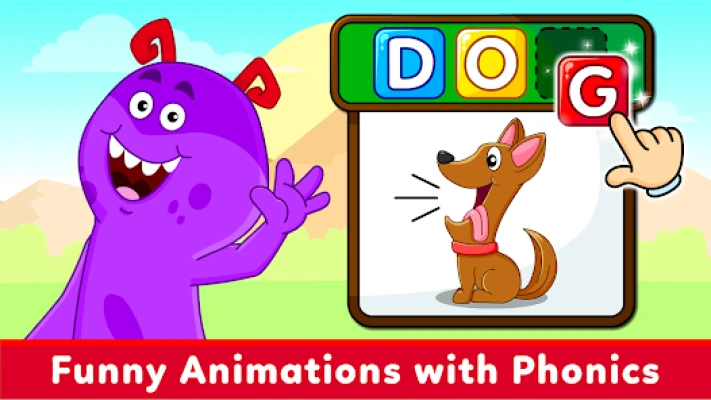
- Dragging letters into place
- Building complete words
- Listening to pronunciation
- Matching pictures
- Learning phonics sounds
- Unlocking new vocabulary
- Repeating activities to strengthen memory
Each lesson introduces new words while reinforcing previously learned vocabulary.
Educational Benefits
Regular play helps children improve:
- Reading readiness
- Spelling accuracy
- English vocabulary
- Letter recognition
- Word formation
- Phonics awareness
- Pronunciation
- Listening skills
- Memory
- Concentration
- Language confidence
How to Play
- Choose a learning category.
- Look at the picture.
- Listen to the word.
- Drag letters into the correct order.
- Complete the spelling.
- Hear the correct pronunciation.
- Continue to the next word.
- Repeat lessons to improve vocabulary.
Controls Guide
The app is designed specifically for young children.
Controls include:
- Tap
- Drag letters
- Select answers
- Listen to voice prompts
- Move between activities
Large buttons and intuitive navigation make it easy for children to play independently.
Beginner Guide for Parents
To get the most from the app:
- Begin with easier vocabulary groups.
- Practice for 10–15 minutes each day.
- Encourage your child to say each word aloud.
- Repeat completed lessons regularly.
- Celebrate progress rather than perfection.
- Allow children to work at their own pace.
Advanced Learning Tips
As children gain confidence:
- Introduce new word categories.
- Ask them to use newly learned words in sentences.
- Practice pronunciation after each lesson.
- Review difficult words weekly.
- Combine app learning with reading storybooks.
Best Tips & Tricks
- Keep learning sessions short and enjoyable.
- Encourage children to sound out letters.
- Repeat challenging words several times.
- Practice consistently rather than occasionally.
- Let children complete activities independently before offering help.
- Reinforce new vocabulary during everyday conversations.
Progression System
Children advance by:
- Completing spelling challenges
- Learning new vocabulary
- Unlocking additional lessons
- Improving pronunciation
- Mastering increasingly difficult words
The gradual progression supports continuous language development without overwhelming young learners.
Accessibility
The app includes several child-friendly features:
- Bright illustrations
- Clear voice instructions
- Simple touch controls
- Large interactive elements
- Easy-to-read letters
- Offline play support for learning anywhere
Who Is This App For?
Ideal for:
- Toddlers
- Preschool children
- Kindergarten students
- Early elementary learners
- Parents
- Teachers
- Homeschooling families
- English language beginners
Player & Parent Feedback
Many parents appreciate the app for its colorful design, engaging activities, and ability to make spelling enjoyable. Positive reviews frequently mention improvements in vocabulary, pronunciation, and children's willingness to practice reading.
Some users would like to see more free content before purchasing additional lessons, while others appreciate the offline functionality and variety of learning games.
Community Recommendations
Parents commonly recommend:
- Using the app daily for short sessions.
- Playing together with younger children.
- Encouraging children to pronounce each word clearly.
- Reviewing older lessons before starting new ones.
- Combining app practice with reading printed books.
Pros
- Large collection of vocabulary games
- Interactive spelling activities
- Excellent pronunciation support
- Bright child-friendly graphics
- Easy navigation
- Offline learning available
- Progressive educational content
- Teacher Approved
- Suitable for home and classroom learning
Cons
- Some premium content requires purchase.
- Older children may outgrow the easier levels.
- More advanced vocabulary could expand long-term learning.
Learning Modes
- Spelling Practice
- Reading Activities
- Vocabulary Building
- Phonics Learning
- Pronunciation Practice
- Interactive Word Games
System Requirements
- Android smartphone or tablet
- Touchscreen device
- Offline play supported for many activities
- Optional internet connection for updates and additional content
Why Kids Spelling & Reading Games Stands Out
Unlike simple flashcard apps, this educational game combines spelling, reading, pronunciation, phonics, and vocabulary into one engaging learning experience. Interactive animations, voice guidance, and hands-on activities help children stay motivated while developing essential literacy skills.
Similar Educational Games
- KidloLand
- ABC Kids
- Khan Academy Kids
- Duolingo ABC
- Endless Alphabet
- Montessori Preschool
- Starfall ABCs
- Lingokids
- Teach Your Monster to Read
- Kids Word Search Games Puzzle
Is Kids Spelling & Reading Games Worth Using?
Yes. Kids Spelling & Reading Games offers an excellent introduction to early literacy. With over 100 educational activities, interactive spelling exercises, and phonics-based learning, it provides a fun and effective way for young children to build reading confidence and expand their vocabulary. It is especially valuable for preschool and kindergarten learners beginning their reading journey.
Frequently Asked Questions
Is Kids Spelling & Reading Games suitable for preschool children?
Yes. It is designed specifically for toddlers, preschoolers, and kindergarten learners.
What skills does the app teach?
Children practice spelling, phonics, vocabulary, pronunciation, letter recognition, and early reading.
Does the app work offline?
Yes. Many learning activities can be enjoyed without an internet connection.
How many learning activities are included?
The app features more than 100 vocabulary and spelling games.
Is the app appropriate for classroom use?
Yes. Teachers and parents can use it as a supplement to early literacy lessons.
Can children play independently?
Yes. The interface is designed with simple controls, voice guidance, and large touch targets that young learners can use with minimal assistance.
YouTube Gameplay Video
Rate the Game
User Reviews




Popular Games



















 Android
 iOS
iOS Windows
 Xbox
Xbox