

Latest Version
October 09, 2024
PSV STUDIO LTD
Simulation
iOS
0
Report a Problem
More About :game
🌟 What is DRS Drone Flight Simulator?
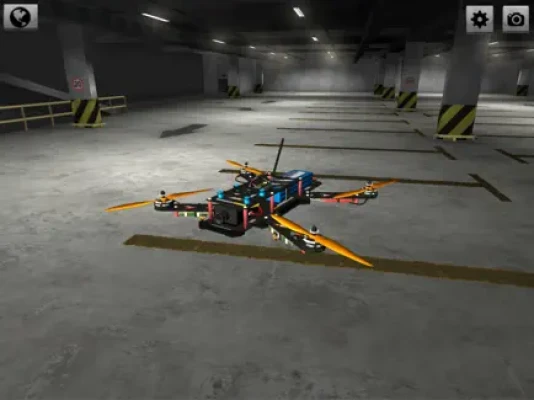
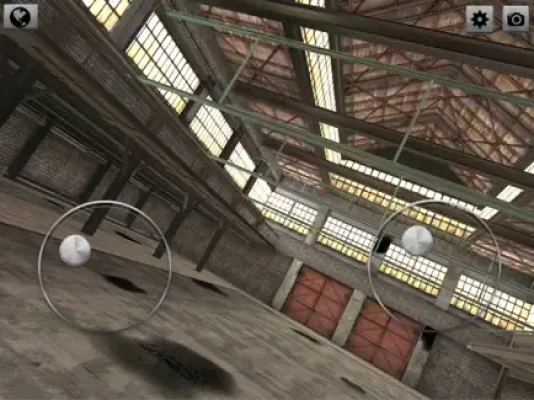
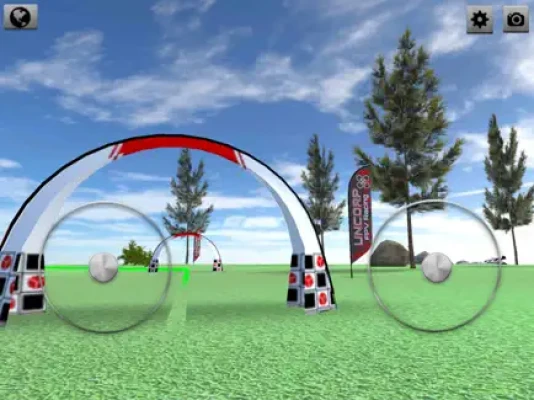
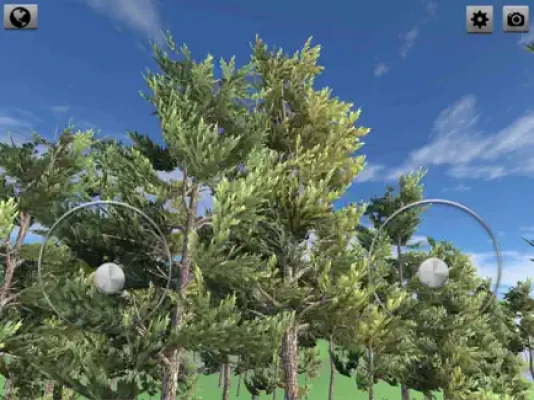
DRS Drone Flight Simulator is a realistic FPV drone flying simulator designed to help players practice quadcopter control in a safe virtual environment. Developed by PSV Studio, the game focuses on physics-based drone movement, freestyle flying, and racing practice across multiple maps and environments.
Players can adjust flight settings, camera angles, and drone physics to match real-world FPV behavior, making it a useful training tool for beginners and hobbyists.
🎮 Core Gameplay Features
- 🚁 Realistic FPV drone flight physics
- 🎥 Multiple camera modes (FPV, freestyle, cinematic)
- 🧭 Adjustable drone sensitivity and controls
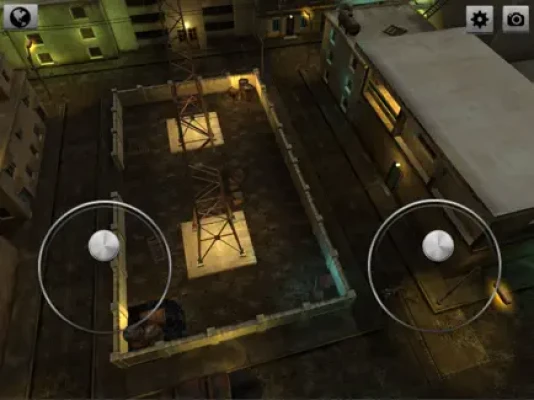
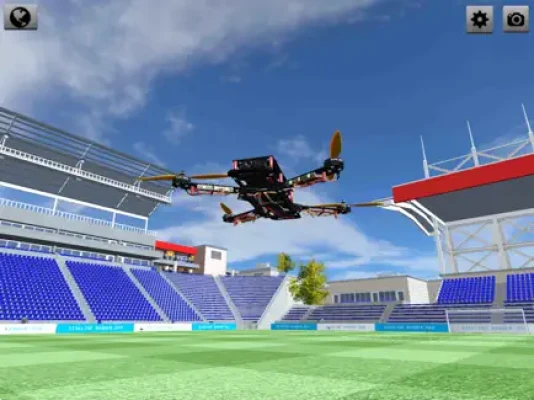
- 🏟️ Multiple flying locations (stadium, forest, city, industrial zones)
- 🎮 Controller support (joystick & gamepad)
- ⚙️ Acro mode and stable flight mode
- 🌬️ Customizable physics (weight, drag, throttle response)
- 🎯 Freestyle and racing practice environments
🗺️ Beginner Walkthrough Guide
Step 1: Choose the Right Flight Mode
Start with:
-
Stable mode (easier control)
Then progress to: - Acro mode (advanced FPV flying)
Stable mode helps you learn direction and throttle control.
Step 2: Master Basic Controls
Understand:
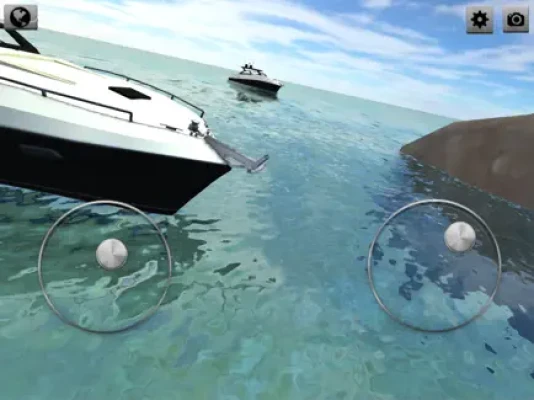
- Left stick → altitude + yaw (rotation)
- Right stick → forward/backward + side movement
- Throttle control → height stability
Smooth inputs are key for stable flight.
Step 3: Practice Hovering First
Before flying fast:
- Learn to hover in place
- Maintain stable altitude
- Avoid sudden stick movements
Step 4: Start with Open Maps
Begin in:
- Stadium
- Open fields
- Wide forest areas
These reduce crash risk while learning.
🧠 Advanced Tips & FPV Strategy Guide
🚁 1. Use Acro Mode Gradually
Acro mode is realistic but difficult:
- Practice small movements first
- Avoid full-speed flips early
🎯 2. Adjust Physics Settings
Improve control by tuning:
- Drone weight
- Throttle response
- Camera tilt
🌬️ 3. Master Smooth Stick Control
Avoid jerky movement:
- Small inputs = stable flight
- Large inputs = crash risk
🧭 4. Learn Line Flying (Freestyle Pathing)
Instead of random flying:
- Plan flight paths
- Practice smooth curves
- Build muscle memory
🎥 5. Use Camera Angles Strategically
Adjust camera tilt based on:
- Speed
- Map size
- Maneuver difficulty
🚀 Pro Player Secrets
- Practice hovering before freestyle tricks
- Use throttle stabilization if you're a beginner
- Train in short sessions to improve reaction time
- Revisit maps to master specific flight paths
- Keep camera tilt low for better control at first
🌍 Why Players Love DRS Drone Flight Simulator
This game is popular because it offers:
- Realistic FPV drone physics
- Training environment for real drone pilots
- Customizable flight settings
- Freestyle and racing practice modes
It is ideal for:
- FPV drone beginners
- Drone racing enthusiasts
- Simulation lovers
- Controller-based mobile gamers
🏁 Final Summary
DRS Drone Flight Simulator is a realistic FPV drone training game designed to help players master flying skills such as hovering, acro control, and freestyle movement. Success depends on smooth stick control, physics tuning, and consistent practice.
Rate the Game
User Reviews








Popular Games



















 Android
 iOS
iOS Windows
 Xbox
Xbox