
Latest Version
February 20, 2026
Mahjong Brain Puzzles
Educational
0
Report a Problem
More About :game
"Unlock Your Child's Inner Artist: The Most Engaging Coloring & Tracing Adventure for Toddlers!"
"From Doodles to Masterpieces: Step-by-Step Drawing Lessons for Preschool Success."
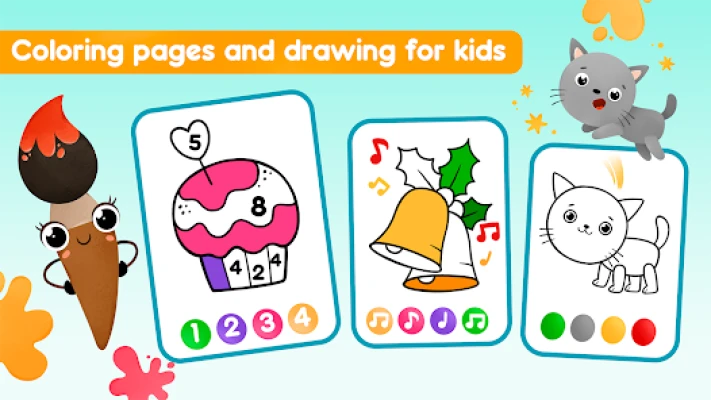
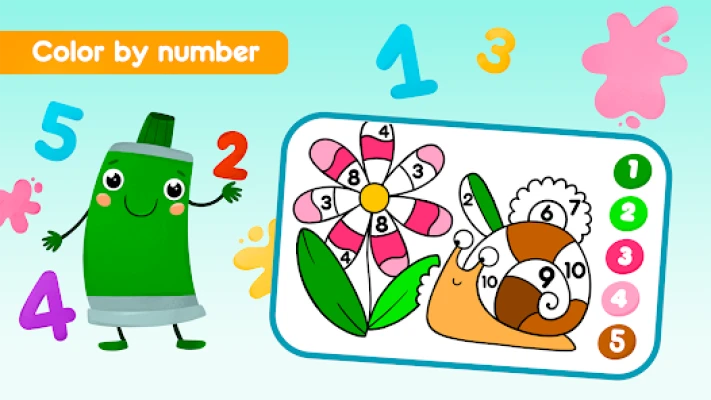
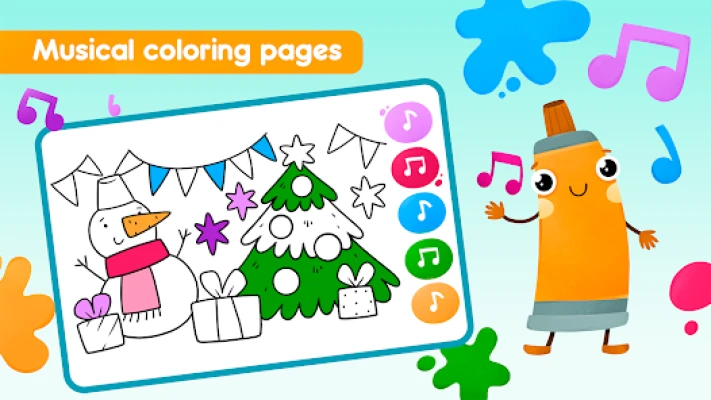
Dive into the vibrant world of **Coloring book Drawing games**! Designed by experts in early childhood education, this app offers over 100 drawings across 8 magical themes. With step-by-step guidance and a mess-free interface, it’s the perfect safe space for kids to develop fine motor skills and creativity.
### **2. Key Features**
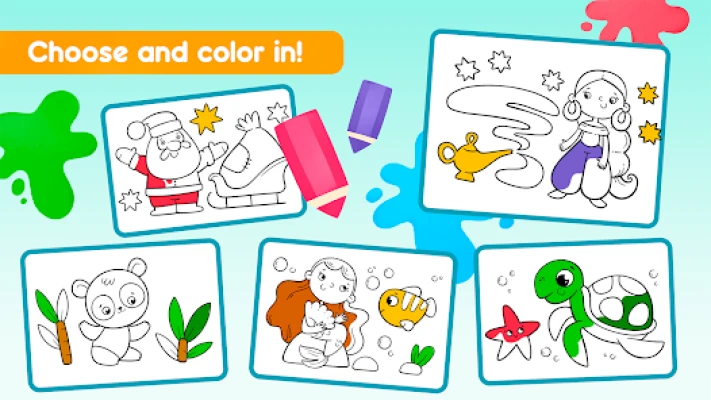
* **8 Thematic Worlds:** Explore diverse categories including **Fairy Tales, Dinosaurs, Farm Animals, Sea Creatures, Amusement Parks, Monsters, Halloween**, and **Cuties**.
* **100+ Unique Drawings:** A massive library of templates ensures children never run out of new characters to bring to life.
* **Professional Artistic Tools:** Access a variety of brushes, markers, pencils, and glowing pens to experiment with different textures.
* **Step-by-Step Guidance:** Innovative "Tracing" modes help toddlers learn to draw complex shapes and characters by following guided paths.
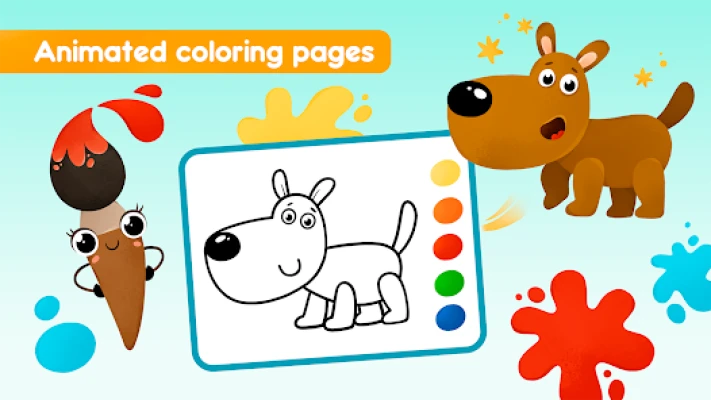
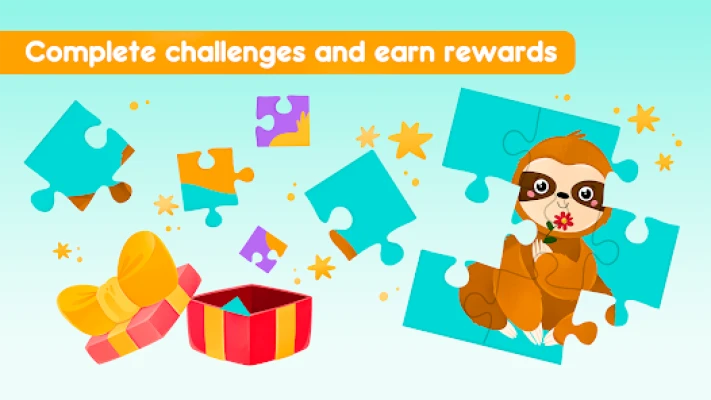
* **Animated Rewards:** Completed drawings often come to life with charming animations and sounds, providing instant positive reinforcement.
### **3. How to Play**
The interface is intentionally simple for **independent play**:
1. **Select a World:** Pick one of the eight themed categories from the home screen.
2. **Choose a Mode:** Decide between **Free Coloring** (filling in shapes) or **Step-by-Step Drawing** (tracing lines to build a character).
3. **Pick Your Tools:** Tap the sidebar to switch between markers, crayons, or glitter brushes.
4. **Save & Share:** Once finished, the artwork is saved to an in-game gallery where parents can view and share it.
### **4. How to Win: Strategy**
In a creative app, "winning" is the **development of artistic confidence**.
* **The Layering Strategy:** Encourage your child to use the "Glow Pen" over solid colors to create "magic" highlights, teaching them about depth and light.
* **Theme Completion:** Challenge the child to finish all characters in one "World" (e.g., the Dino World) to earn special digital badges or stickers.
* **The "Color Match" Goal:** For older toddlers, suggest matching the colors to real-world objects (e.g., "Can you make this dinosaur look like the green one in your book?") to build observation skills.
### **5. Tips & Tricks**
* **Use a Stylus:** If playing on a tablet, using a kid-friendly stylus can significantly improve the development of the "tripod grip" needed for actual handwriting.
* **Reset & Re-color:** Don't be afraid to clear a drawing. Re-coloring the same character with different palettes helps children understand color theory and mood.
* **Parental Peace of Mind:** Use the **Parental Control** settings to lock the screen into the game, preventing accidental exits or accidental in-app purchase attempts.
* **Glow in the Dark:** The "Glow Paint" mode is most effective on dark backgrounds—suggest this mode for the Halloween or Monster themes for a "spooky" effect.
### **6. Player Experience**
* **High Engagement:** Reviewers frequently mention that the "Step-by-Step" mode is a game-changer, as it teaches children *how* to draw rather than just letting them scribble.
* **Visual Appeal:** The "Stylized/Handicraft" art style is noted for being "cute" and "calming," making it a popular choice for winding down before bedtime.
* **Safe Haven:** Parents appreciate the commitment to the **Play Families Policy**, ensuring no third-party ads or inappropriate data collection.
### **7. Technical Details**
* **Developer:** 1C-Publishing LLC (1C Wireless).
* **Platform:** Android (9.0+), Windows (Optimized for **Intel® technology**).
* **Storage:** ~120 MB to 200 MB (varies by device).
* **Performance:** Optimized for smooth rendering on both older tablets and high-end smartphones.
* **Offline Mode:** Fully functional without Wi-Fi, making it ideal for long travel.
### **8. Comparison Section**
| Feature | **1C Coloring Book** | **Coloring Games (RV AppStudios)** | **KidloLand Coloring** |
| :--- | :--- | :--- | :--- |
| **Drawing Style** | Guided Tracing | Paint-by-Number / Glow | Subscription / Games |
| **Unique Asset** | 8 Themed Worlds | 100% Free / No Ads | 1000+ Activities |
| **Guidance** | High (Step-by-Step) | Moderate | Low (Exploratory) |
| **PC Support** | Intel® Optimized | Native Windows | Mobile Port |
### **9. FAQ**
**Q: Is the game truly free?**
A: The base game is free to download and includes a generous amount of content. Some "Worlds" or character packs may require a one-time purchase or subscription.
**Q: Does it help with school readiness?**
A: Yes. The tracing mechanics are directly mapped to the fine motor skills required for writing letters and numbers in kindergarten.
**Q: What age is this best for?**
A: While it is rated for ages 2+, the step-by-step drawing features are most engaging for children aged 3 to 6.
**Q: Can I print the drawings?**
A: While there is no direct "Print" button in most versions, you can save the artwork to your device's photo gallery and print it from there.
Rate the Game
User Reviews

Popular Games


















 Android
 iOS
iOS Windows
 Xbox
Xbox