
Latest Version
February 16, 2026
My Town Games Ltd
Educational
Android
0
Report a Problem
More About :game
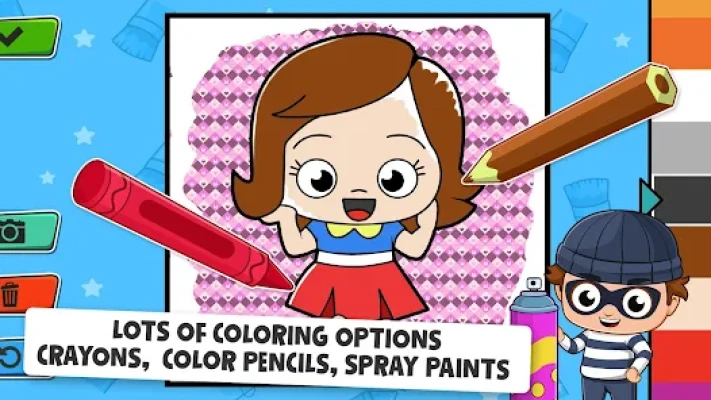
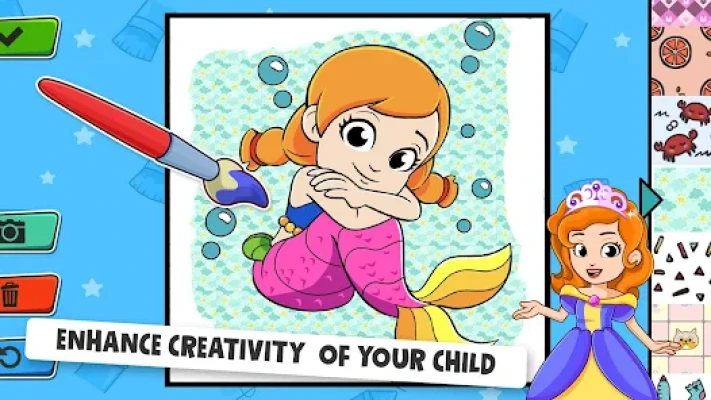
Give your child a world of color with Baby Coloring Game - Baby Town. Specifically engineered for toddlers and preschoolers (ages 2-5), this app provides a stress-free environment where imagination knows no bounds. Gone are the days of stained carpets and broken crayons—Baby Town offers a premium, mess-free artistic experience that fits right in your hand.
Featuring characters and themes from the beloved My Town universe, children can color everything from adorable animals to bustling city scenes. The game focuses on "Positive Play," meaning there are no high scores, no time limits, and no "wrong" colors. It’s an educational journey that encourages self-expression while helping little ones master the hand-eye coordination needed for early writing.
3. Key Features
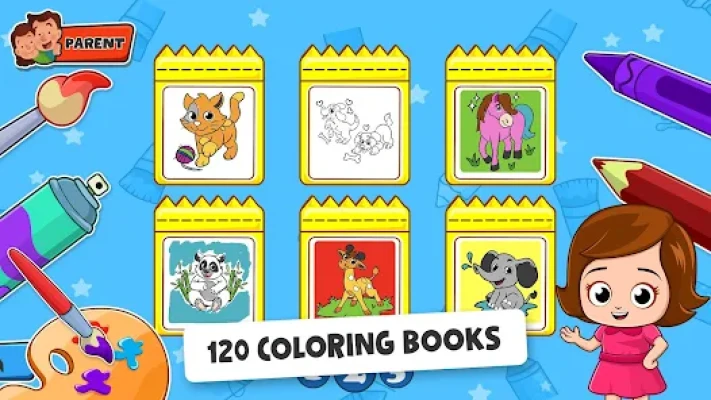
100+ Hand-Drawn Pages: A diverse collection of coloring books featuring animals, vehicles, fantasy creatures, and more.
Magic Glow & Glitter: Innovative tools that add sparkle and neon effects, keeping children engaged and excited.
Simple "Touch-to-Fill": Intuitive mechanics designed for small fingers, allowing even the youngest users to create beautiful results.
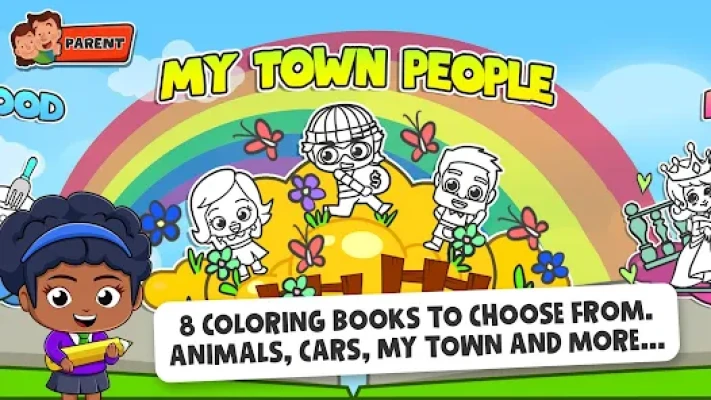
8 Unique Themes: Organized categories like "Deep Sea," "Jungle," "Space," and "Home Life" to help with vocabulary building.
Educational Value: Helps children identify colors, understand spatial boundaries, and improve concentration.
Safe & Secure: Fully compliant with child safety regulations, providing a secure space for independent play.
4. How to Play
Select a Theme: Tap on one of the colorful book covers to enter a world of your choosing.
Pick an Illustration: Scroll through the line-art designs and tap the one that catches your eye.
Choose Your Palette: Select a color from the vibrant bar at the bottom.
Paint Away: Simply tap an area to fill it with color, or use the "free-draw" mode to scribble and sketch.
Add Stickers: Decorate your finished masterpiece with fun stickers to make it truly unique!
5. How to Win: Strategy (For Parents)
Color Recognition: Sit with your child and ask them to find specific colors (e.g., "Can you find the yellow for the sun?"). This turns play into a powerful learning session.
Motor Skill Challenges: Encourage older toddlers to try the "Pencil Tool" instead of "Fill Tool" to practice staying within the lines.
Creative Freedom: Avoid correcting their choices! If they want a purple dog or a green sun, celebrate their creativity to build artistic confidence.
6. Tips & Tricks
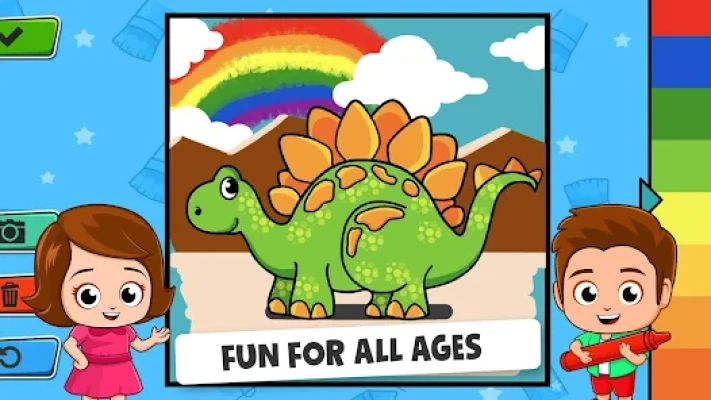
The "Clear" Shortcut: Use the trash can icon to quickly reset a page if your little one wants to start their masterpiece over from scratch.
Save for Memories: Don't forget to use the in-game camera icon! It saves the artwork to your device so you can share it with grandparents or print it for the fridge.
Offline Mode: This game is perfect for travel. Once downloaded, your child can color anywhere—no internet connection required.
7. Player Experience
Parents consistently rate Baby Town Coloring as one of the best "first apps" for kids. The user interface is praised for being distraction-free, meaning kids don't accidentally click out of the game or trigger complicated menus. The "tactile" sound effects—the scritch-scratch of the pencil and the pop of the paint—provide a sensory experience that toddlers find incredibly satisfying.
8. Tech Details
App Name: Baby Coloring Game - Baby Town
Developer: My Town Games Ltd
Category: Education / Creative Arts
Requirements: Android 5.0+ / iOS 14.0+
Size: ~180 MB
Safety Rating: PEGI 3 / ESRB Everyone
9. Comparison Section
| Feature | Baby Town Coloring | Standard Coloring Apps |
| User Interface | Toddler-Friendly (No Text) | Often cluttered with menus |
| Tool Variety | Magic Glitter & Neon | Basic brushes only |
| Safety | Certified Kid-Safe | May contain intrusive ads |
| Themes | Licensed My Town Content | Generic stock illustrations |
10. FAQ
Q: Is this game free?
A: The app is free to download and includes a generous selection of coloring pages. Additional themed books can be unlocked via a one-time purchase.
Q: My child is only 18 months old. Can they play?
A: Absolutely. The "tap-to-fill" feature is designed precisely for children who are still developing their motor skills.
Q: Does the app collect personal data?
A: No. My Town Games follows strict COPPA and GDPR guidelines to ensure that no personal information is collected from children.
Q: Can we use a stylus?
A: Yes! The game responds beautifully to both fingers and tablet styluses, which can help prepare kids for holding real pens.
Rate the Game
User Reviews


Popular Games


















 Android
 iOS
iOS Windows
 Xbox
Xbox