
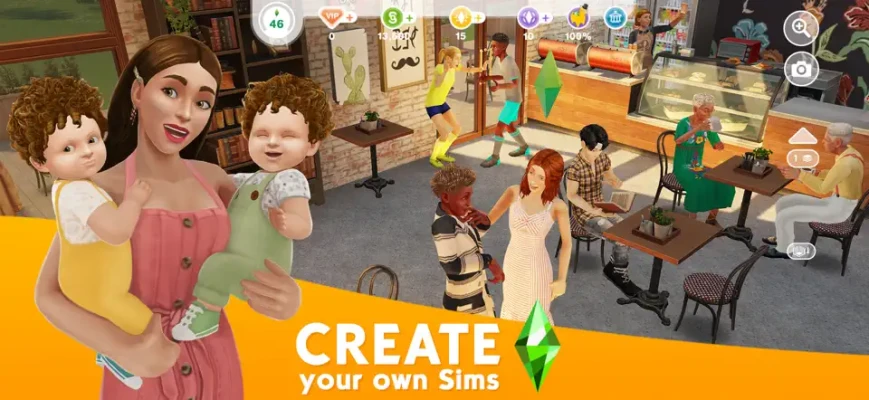
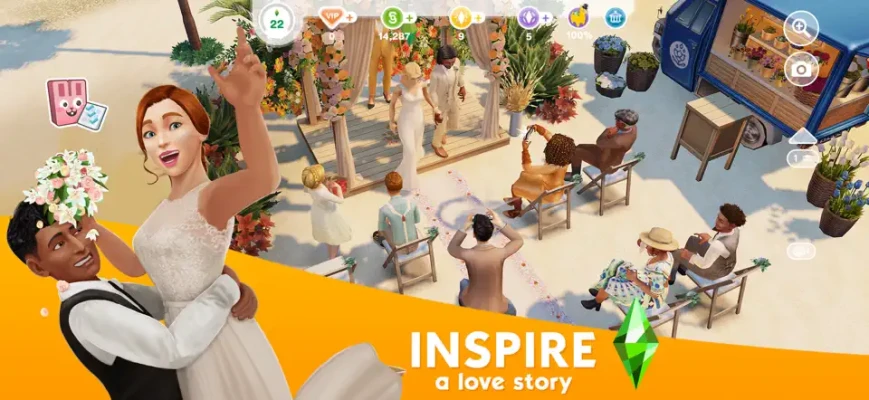
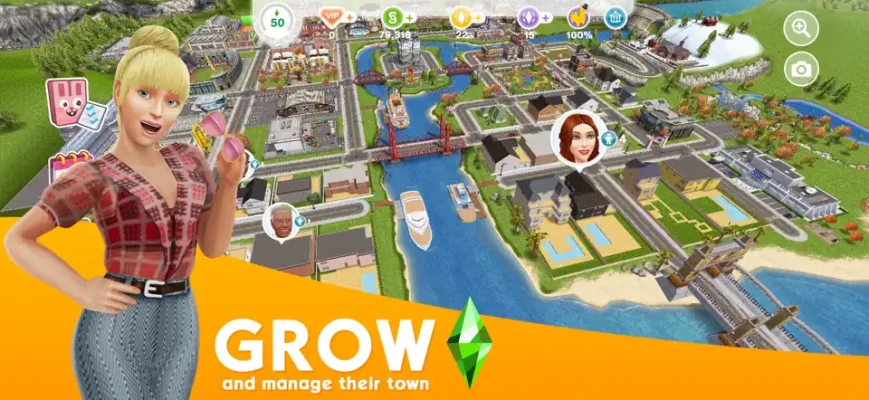
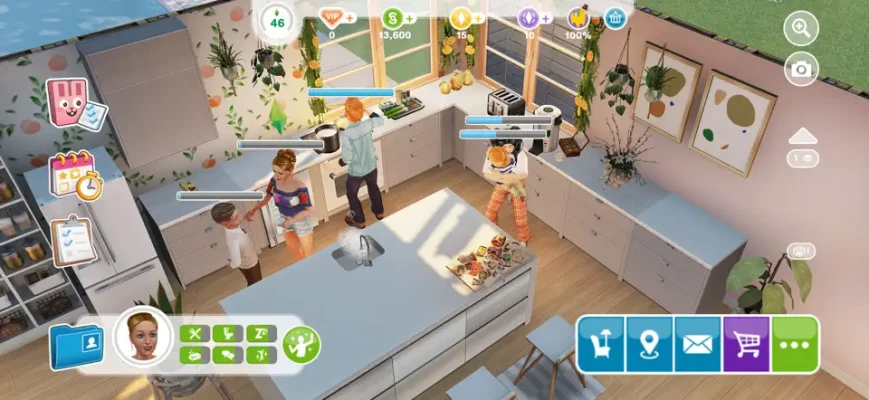
The Sims FreePlay brings the depth of the classic PC franchise to your fingertips. Unlike other mobile games, FreePlay runs in real-time, meaning your Sims’ lives continue even when you aren’t in the app.
Endless Customization: Modify every detail from facial features and outfits to personality traits.
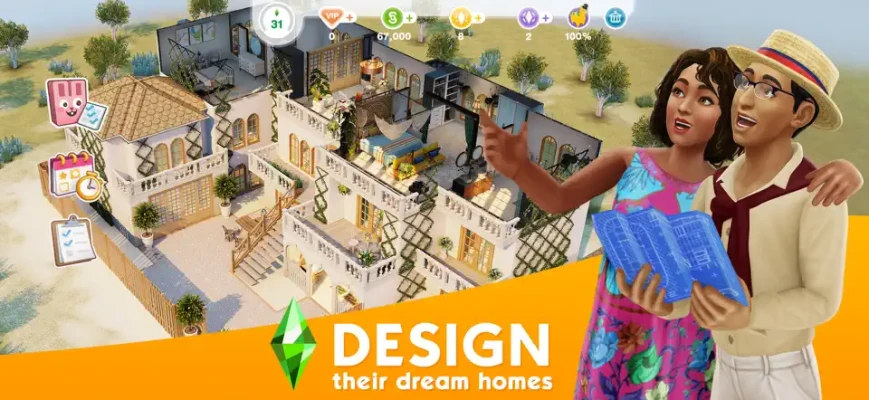
Architectural Freedom: Design and build houses with multiple floors, balconies, and thousands of decor items.
Real-Time Gameplay: Experience a living world where day and night cycles mirror your own.
Career & Hobbies: Become a Doctor, Fashion Designer, or even a Secret Agent.
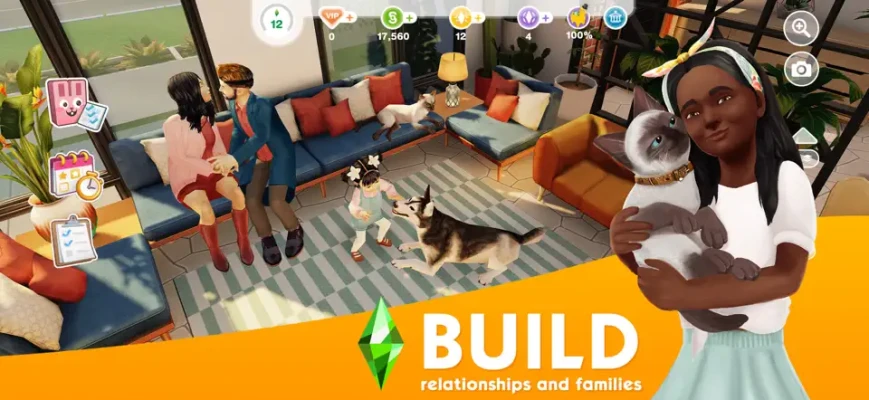
Life Stages: Watch your Sims progress through a full life cycle—Babies, Toddlers, Pre-teens, Teens, Adults, and Seniors.
Social Connections: Visit your real-life friends' SimTowns to form relationships and compare designs.
Create Your Sim: Start by choosing your Sim’s appearance and personality.
Build a Home: Use your starting Simoleons to build and furnish your first house.
Complete Quests: Follow the "Main Quests" to unlock new features like marriage, babies, and multi-story building.
Manage Needs: Keep your Sims "Inspired" by fulfilling their six basic needs: Hunger, Bladder, Energy, Hygiene, Social, and Fun.
Earn Currency: Send Sims to work or have them plant vegetables in the garden to earn Simoleons (money) and XP (experience).
To "win" in The Sims FreePlay means optimizing your town's value and Sim happiness.
The "Inspired" Bonus: Always ensure your Sims are inspired before sending them to work; they will earn significantly more Simoleons and XP.
Garden for Profit: If you are going to be away from the game for hours, plant long-term crops like beans or pumpkins to maximize earnings.
Prioritize Main Quests: Don't get distracted by "Discovery Quests" early on. Focus on the Main Quests to unlock essential gameplay mechanics like aging and DIY home renovations.
The Toilet Hack: Low on hygiene but short on time? A quick "Wash Hands" is faster than a bath when you just need a small boost.
Social Points (SP): Complete tasks in neighbors' towns to earn Social Points, which are required for premium furniture.
Cooking for XP: The 1-minute "Cheese and Tomato Toast" is the fastest way to grind for XP if you are actively playing.
Stay Connected: Log in daily to collect your "Daily Reward" from the mailbox; the amount increases with your Town Value.
Players consistently praise the game for its longevity and variety. Many users have managed their towns for over a decade, citing the frequent seasonal updates and "Live Events" as reasons to return. While the real-time mechanics require patience, the sense of accomplishment from finishing a massive mansion or seeing a Sim reach the top of their career is unparalleled in the simulation genre.
Developer: Electronic Arts (EA) / Firemonkeys Studios
Category: Simulation / Role Playing
Size: ~2.4 GB (Initial download is smaller; additional data required)
Compatibility: Requires iOS 15.0 or later / Android 5.0 and up
Internet: Persistent internet connection required for gameplay.
In-App Purchases: Contains optional microtransactions for Lifestyle Points (LP) and Simoleons.
| Feature | The Sims FreePlay | The Sims Mobile |
| Control | Manage up to 34 Sims & a whole town | Focus on a small household (4 Sims) |
| Real-Time | Actions take real-world hours | Faster paced, energy-based system |
| Building | Deep building (Basements, Pools, Multi-story) | More restricted, focused on interior decor |
| Aging | Sims can age and die (optional) | Sims retire to unlock "Legacies" |
SimCity BuildIt: Focuses on urban planning and city management.
Avakin Life: A 3D social world focused on avatar customization and chat.
Home Street: A house-design-centric sim with a more casual pace.
Animal Crossing: Pocket Camp: For those who prefer a relaxed, outdoor-themed simulation.
Q: Is The Sims FreePlay actually free?
A: Yes! The entire game can be played without spending money.
Q: Can I play offline?
A: No, a stable internet connection is required to sync your town's progress and participate in live events.
Q: How do I get more Sims?
A: You can add more Sims by building new houses or increasing your Town Level.
Q: How do I move a Sim into another Sim's house?
A: Develop a "Romantic" or "Friendship" relationship until the "Ask to Move In" interaction appears.