
Latest Version
February 15, 2026
My Town Games Ltd
Simulation
0
Report a Problem
More About :game
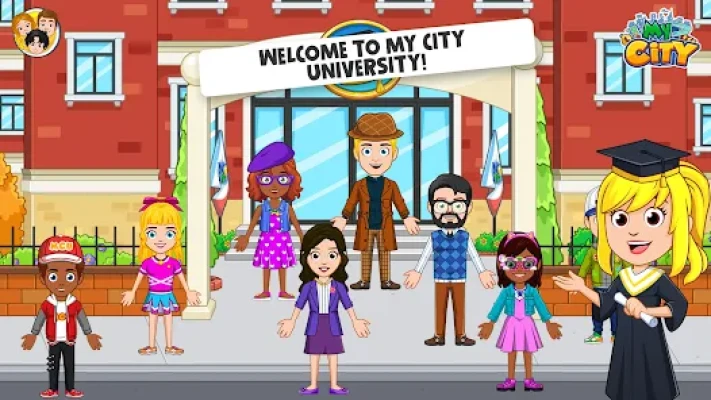
Get ready to hit the books and the field! My City: University by My Town Games Ltd offers a sprawling campus environment where children aged 4-12 can explore the world of higher learning. This isn't just a game; it's a massive, open-ended simulation that encourages curiosity and creative thinking.
Whether you want to be a world-class scientist, a star athlete, or a brilliant artist, the campus is yours to discover. With highly detailed rooms including a library, cafe, and even a dean's office, the roleplay possibilities are endless. Like all My City titles, this game promotes a stress-free environment with no high scores, time limits, or difficult challenges—just pure, imaginative fun.
Key Features
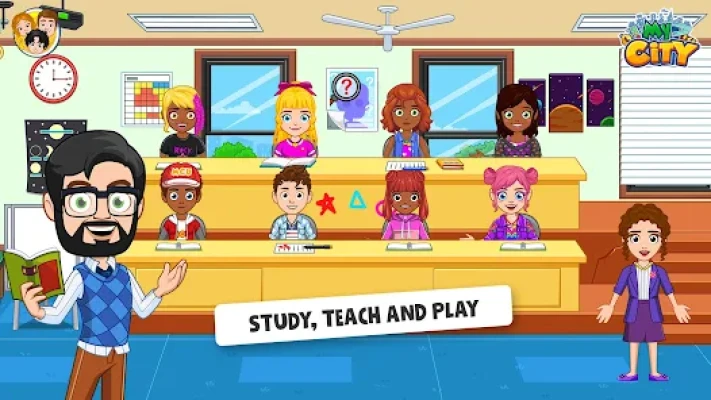
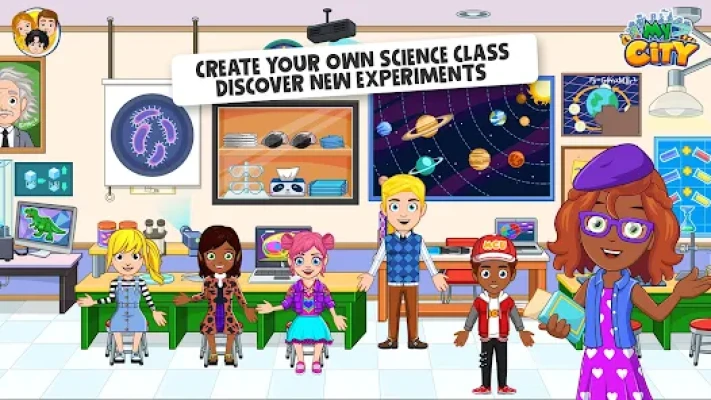
8 Academic Locations: Discover the Science Lab, Library, Art Room, Sports Hall, Classroom, Cafe, Dean’s Office, and the Campus Yard.
New Characters: A fresh cast of students and professors to interact with.
Interactive Science: Conduct experiments in the lab—mix chemicals, use the microscope, and learn as you play.
Sports & Fitness: Play basketball, practice track, and use the gym equipment in the Sports Hall.
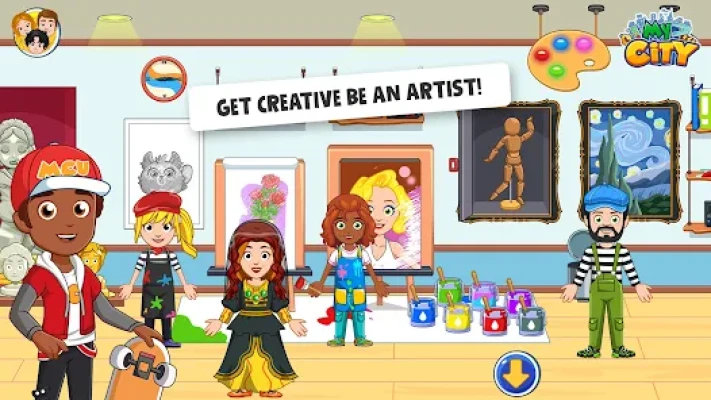
Creative Expression: Paint masterpieces in the Art Room or host a study group in the Library.
Seamless Connection: Link with other My City games to move characters and items between your virtual city.
How to Play
Navigating the campus is easy for kids of all ages:
Select Your Role: Tap the character menu to choose a student, a professor, or even a coach.
Explore the Campus: Tap the side arrows or doors to move between the 8 detailed locations.
Interact with Items: Tap and drag objects. Try putting a lab coat on a student or a basketball in their hands.
Set the Scene: Use the day/night and weather toggles to change the atmosphere of your campus.
How to Win: Strategy & Tips
While there is no final "win" state, you can maximize the fun with these tips:
The Secret Lab: Look for hidden switches in the Science Lab to unlock special experiments.
Trophy Hunter: Head to the Sports Hall and win a match to see the celebration effects!
Library Secrets: Sometimes, clicking on specific books in the Library reveals hidden items or shortcuts to other rooms.
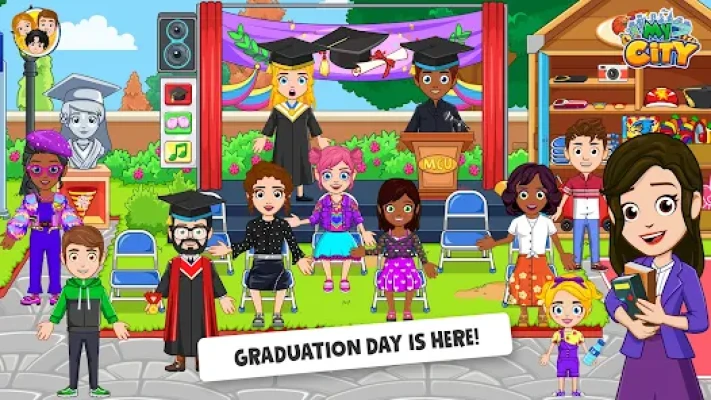
Campus Fashion: Check the lockers for hidden outfits that let you dress up for graduation or a big game.
Player Experience
Players enjoy the vibrant, educational atmosphere that makes "learning" feel like a game. The level of detail in the science and art rooms provides a sense of discovery that keeps children engaged for hours. Parents value the absence of third-party ads and the focus on positive social interactions and academic curiosity.
Technical Details
| Detail | Specification |
| Developer | My Town Games Ltd |
| Platform | Android, iOS, Amazon |
| Category | Educational / Simulation |
| Size | ~180 MB |
| Age Rating | 4-12 Years |
| Version | Full Paid Version (No IAPs) |
Comparison: My City: University vs. My City: School
| Feature | My City: University | My City: School |
| Age Range | Young Adult / College Level | Elementary / Grade School |
| Complex Rooms | Science Labs & Dean's Office | Classrooms & Playground |
| Activities | Specialized Research & Sports | Basic Learning & Recess |
| Character Types | Professors & Students | Teachers & Children |
FAQ
Q: Can characters from My City: University visit my other My City games?
A: Yes! As long as the other games are installed on the same device, you can use the "transport" feature to move characters.
Q: Is there an internet requirement?
A: No, you can enjoy the full university experience offline.
Q: Are there hidden mini-games?
A: Yes, keep an eye out for interactive screens and puzzles in the Science Lab and Sports Hall!
Q: Does it support multi-touch?
A: Yes, it is designed for collaborative play so multiple kids can play together on one tablet.
Rate the Game
User Reviews












Popular Games



















 Android
 iOS
iOS Windows
 Xbox
Xbox