
Latest Version
February 15, 2026
My Town Games Ltd
Simulation
0
Report a Problem
More About :game
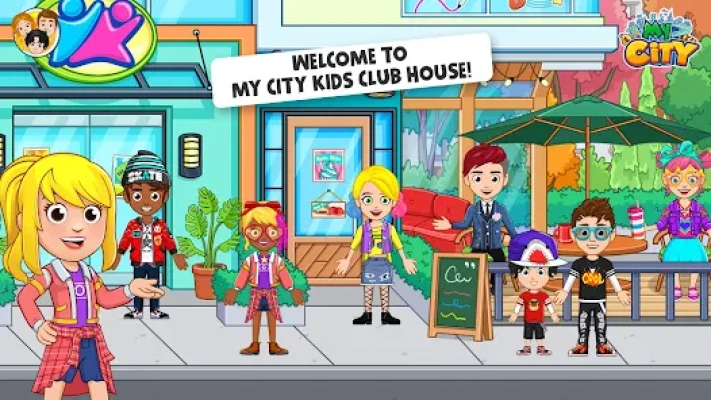
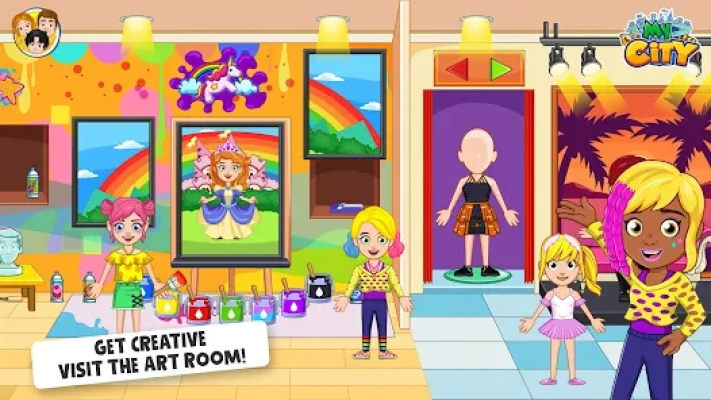
Get ready for the ultimate after-school adventure! My City: Kids Club House by My Town Games Ltd is a massive, open-ended playground where children aged 4-12 are the masters of their own fun. This installment of the My City series focuses on social play and hobbies, providing a vibrant community space for your characters to relax and play.
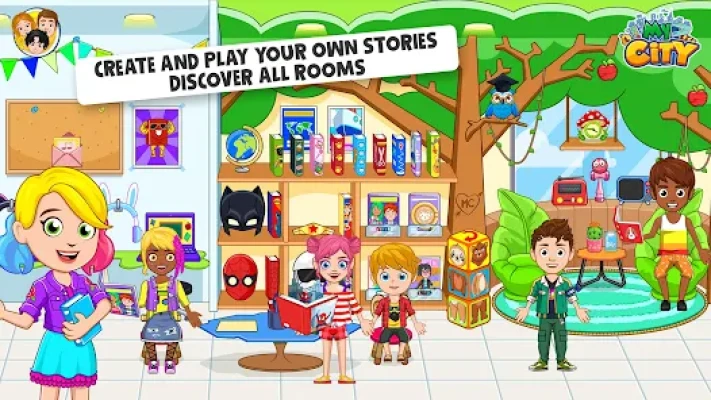
With 6 unique locations, including a high-tech gaming floor and a cozy cinema, there is never a dull moment. Like all My City titles, this game is built on a "no rules" philosophy—there are no timers, high scores, or difficult levels. It is a safe environment where children can roleplay social situations, discover hidden puzzles, and express their creativity through play.
Key Features
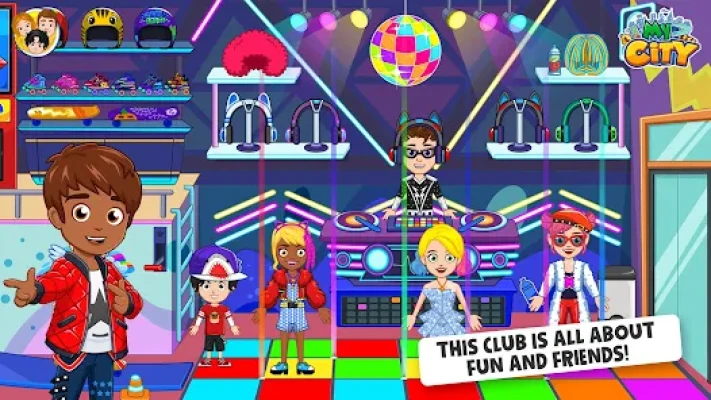
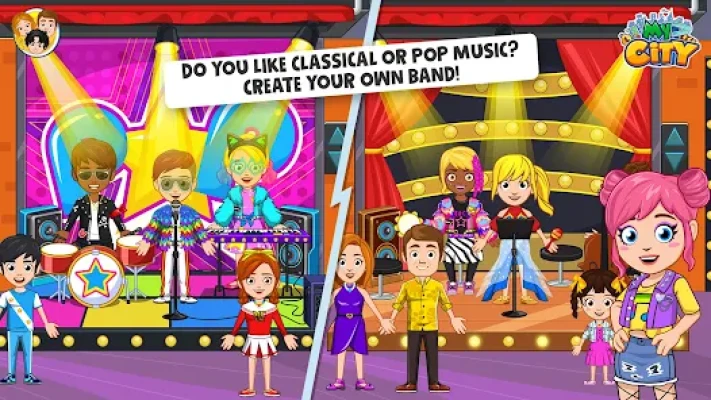
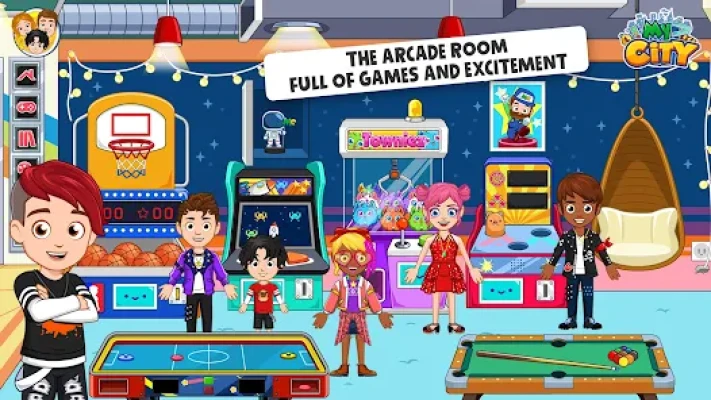
6 Fun-Filled Locations: Explore the Arcade, Cinema, Rooftop Pool, Juice Bar, Music Lounge, and the Secret Basement.
Gaming & Arcades: Play interactive mini-games on the arcade machines and try to win virtual prizes.
Movie Night: Head to the cinema, grab some popcorn, and put your characters in the best seats for the show.
New Characters: Meet a cast of 20 brand-new friends to join your clubhouse adventures.
Customization: Hundreds of new outfits, hats, and accessories to style your characters for a day at the club.
Universal Connectivity: Bring characters and items from any other My City game into the Club House!
How to Play
Starting your clubhouse adventure is easy:
Gather Your Friends: Open the character menu and select the group you want to hang out with.
Explore the Floors: Use the elevator to travel between the arcade, the juice bar, and the rooftop.
Interact with Games: Tap on the arcade consoles or the music instruments to see them come to life.
Create Stories: Use the different props—like the juice mixer or the movie projector—to act out your perfect day.
How to Win: Strategy & Tips
In this sandbox world, "winning" is all about finding every hidden surprise:
The High Score Secret: Try playing the arcade games with different characters; some might have special "pro" animations!
Unlock the Basement: Look for three hidden keys tucked away in the Cinema and the Juice Bar to unlock the secret basement hangout.
Rooftop Party: Change the time of day to night to turn on the neon lights at the pool for an epic clubhouse party.
The Perfect Juice: Experiment with mixing three different fruits at the Juice Bar to see if you can find the "Golden Smoothie."
Player Experience
Kids love the social variety of the Club House, especially the ability to "watch" movies and play the arcade games. The sense of having a "kids-only" space is a major draw for imaginative roleplay. Parents appreciate the positive social themes and the safety of a completely offline, ad-free experience.
Technical Details
| Detail | Specification |
| Developer | My Town Games Ltd |
| Platform | Android, iOS, Amazon |
| Category | Roleplay / Social Simulation |
| Size | ~175 MB |
| Age Rating | 4-12 Years |
| Requirements | Android 5.0+ / iOS 11.0+ |
Comparison: Kids Club House vs. My City: Apartment
| Feature | My City: Kids Club House | My City: Apartment |
| Main Vibe | Social & High-Energy | Homey & Relaxed |
| Key Activity | Gaming, Swimming & Movies | Cooking, Sleeping & Chilling |
| Focus | Hobbies & Friends | Family & Daily Routine |
| Locations | Arcade & Rooftop Pool | Kitchen, Bedroom & Balcony |
FAQ
Q: Can I play My City: Kids Club House with my siblings?
A: Yes! The game supports Multi-Touch, so multiple children can interact with the screen and play together.
Q: Do I need an internet connection?
A: No. Once the game is downloaded, the entire Club House is available for offline play.
Q: Are characters from other My City games allowed in?
A: Absolutely! Use the "transport" icon to bring in characters from the School, Hospital, or Home games.
Q: Are there any hidden mini-games?
A: Yes, the arcade machines in the game are fully interactive and feature several small mini-games to play!
Rate the Game
User Reviews











Popular Games



















 Android
 iOS
iOS Windows
 Xbox
Xbox