
Latest Version
Visit PageMore About :game
### 1. Game Description
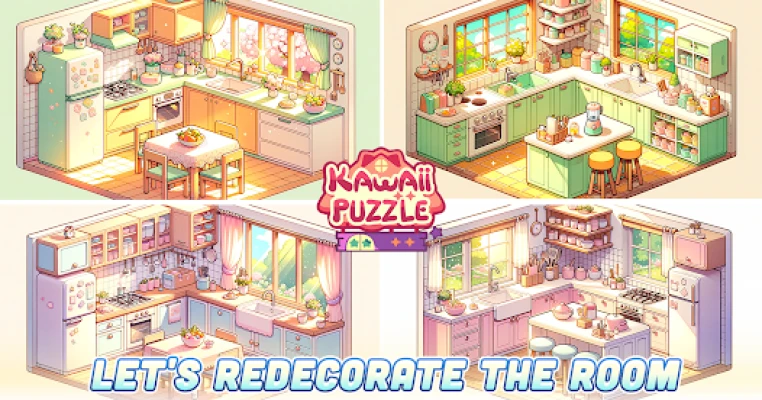
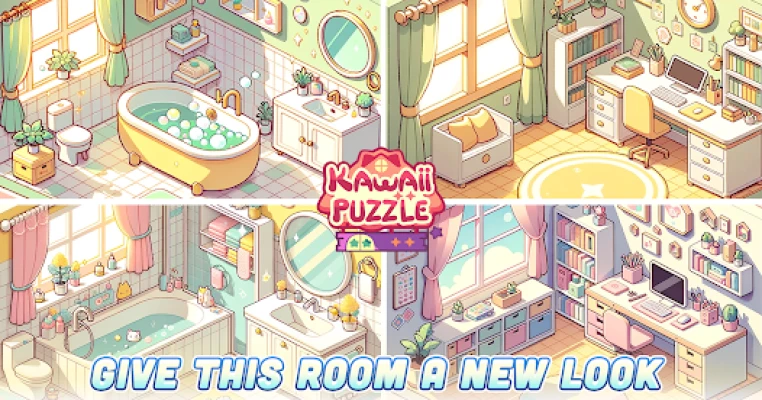
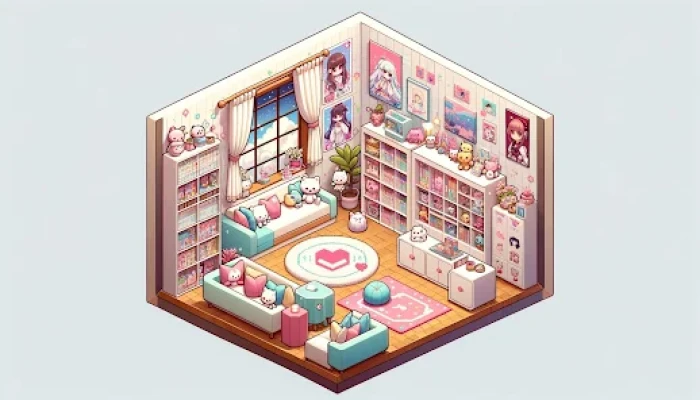
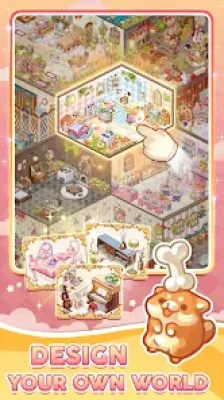
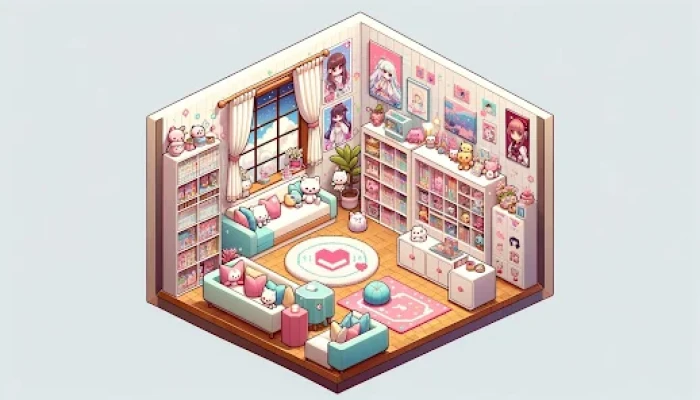
In **Kawaii Puzzle**, you act as an interior designer tasked with assembling detailed miniature rooms. The game focuses on the satisfaction of placing every piece of furniture and decor in its rightful place to complete a cohesive scene. From cozy country houses to classy antique libraries, each level tells a small "slice-of-life" story through its design.
### 2. Key Features
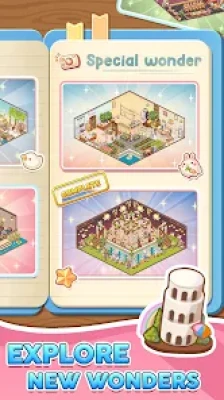
* **🏠 Themed Room Assembly:** Progress through unique chapters like "Vintage Vibe," "Classy Antique," and "Country House."
* **🎨 Creative Freedom:** Many decorations come with multiple color versions, allowing you to customize the look of each room.
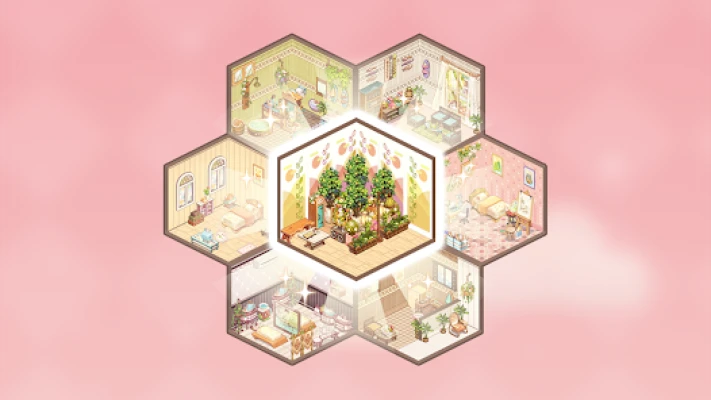
* **🌟 My World & Hive Mode:** Beyond standard rooms, you can build a "pocket world" (like a wedding venue or fairy forest) and explore "Hive" world layouts.
* **💤 Relaxing Experience:** Features haptic feedback (vibrations) and smooth animations to enhance the "satisfying" feel of placing items.
* **📶 Offline Play:** The core room-assembly gameplay is available without an internet connection.
### 3. How to Play
1. **Select an Item:** Tap a piece of furniture or decor from the menu at the bottom.
2. **Drag and Place:** Use your finger to move the item to the silhouette or "ghost" indicator in the room.
3. **Complete the Set:** Once all pieces are correctly placed, the room "comes to life" with animations, and you move to the next stage.
4. **Unlock Chapters:** Earning stars and completing rooms unlocks more advanced furniture sets and larger floor plans.
### 4. How to Win: Strategy and Tips
* **Start with Large Pieces:** Place the biggest items (beds, tables, bookshelves) first. This helps define the layout and makes it easier to spot where smaller items like plants and lamps should go.
* **Color Coordination:** When choosing between color variants, try to keep a consistent palette to make the room look professionally designed.
* **Watch the "Ghost" Indicators:** If you’re stuck, look for the faint outlines on the floor or walls. These indicate exactly where the next item needs to go.
* **Manage Your "My World" Space:** The "My World" showrooms can sometimes feel small. Prioritize your favorite large pieces first so you don't run out of floor space for critical decorations.
* **Weekly Challenges:** Participate in weekly updates to snag limited-edition furniture that isn't available in the standard chapters.
### 5. Technical Details
* **Developer:** Suga Studio (Suga Pte. Ltd.)
* **Updated:** January 7, 2026
* **Platform:** Android, iOS, and Windows PC (via Google Play Games).
* **PC Requirements:** Requires Windows 10, an SSD with 10GB free, and 8GB RAM.
* **Technology:** Powered by **Intel® technology** for high-performance rendering of 2D/3D assets.
### 6. FAQ
**Q: Can I change the color of an item after I’ve placed it?**
A: Yes, you can usually tap on a placed item to see if alternative color variants are available for that specific piece.
**Q: Why can't I place a certain piece of furniture?**
A: You might be trying to place it in a spot that is blocked by another item, or you haven't found the correct "ghost" indicator for that specific object yet.
**Q: Is there a way to make the showrooms bigger?**
A: Currently, showroom sizes are fixed based on the level or chapter, though the developer frequently updates the UI and game feel based on player feedback.
**Q: How do I save my progress?**
A: Sign in with your Google Play or Game Center account to ensure your rooms and unlocked furniture are synced across devices.
Rate the Game
User Reviews














Popular Games



















 Android
 iOS
iOS Windows
 Xbox
Xbox