

Latest Version
February 06, 2025
Vipera Games sp. z o.o.
Simulation
iOS
0
Report a Problem
More About :game
1. Description
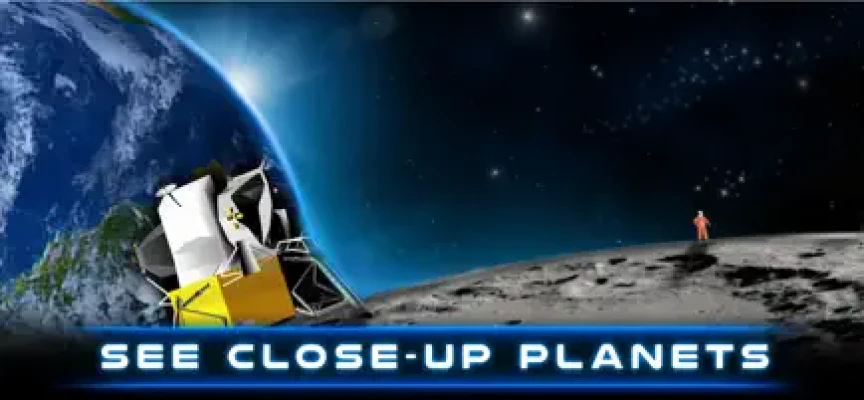
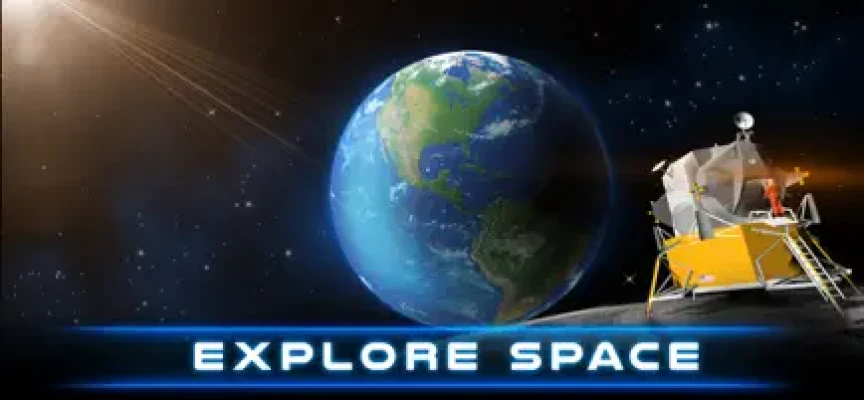
The app allows users to step into the boots of an astronaut and participate in a lunar mission. From the initial descent to the moon's surface to exploring the dusty lunar landscape, the simulator focuses on atmospheric immersion. It provides a unique perspective of the lunar module, the vastness of space, and the distant view of Earth, all designed to give a sense of the scale and solitude of the moon.
2. Key Features
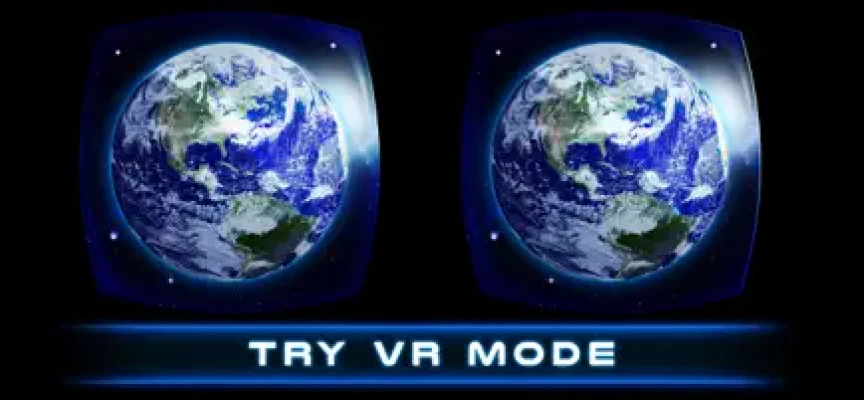
Dual View Modes: Specifically designed for VR headsets (like Google Cardboard) but also supports a "360-degree" gyro-mode for users without a headset.
Historical Atmosphere: Features 3D models of the lunar lander and astronaut equipment inspired by real-world space missions.
Exploration Sandbox: Walk across the lunar surface, visit craters, and plant the flag in a low-gravity environment.
Visual & Audio Effects: Includes realistic space soundscapes and visual filters to mimic the look of lunar footage.
Educational Aspect: Offers a hands-on way to understand lunar geography and the mechanics of the Apollo-era landing missions.
3. How to Play
Setup: Choose between "VR Mode" (split-screen for headsets) or "Normal Mode" (full-screen using your phone's sensors).
Navigation: In most modes, movement is handled by looking at "waypoints" or using on-screen controls to walk. The physics are tuned to simulate the moon's low gravity, resulting in slow, high-arching steps.
Interaction: Focus your gaze on specific objects (like the lander or scientific equipment) to trigger interactions or informational pop-ups.
Mission Objectives: Follow the prompts to exit the lunar module, explore specific coordinates, and complete the "mission" by placing equipment on the surface.
4. How to Win: Strategy & Tips
Calibrate Often: In 360-degree modes, the "drift" of the gyroscope can be an issue. If your view starts turning on its own, reset the view in the app settings or hold the phone steady for a moment.
Look Up: One of the most impressive parts of the simulator is the view of the "Blue Marble" (Earth) and the starfield. Take a moment to look away from the ground to see the environmental detail.
Slow Down: To prevent motion sickness (especially in VR mode), move your head slowly and predictably. The game is designed as a slow-paced exploration rather than a fast-action game.
Check the Lander Interior: Before heading out onto the surface, explore the cockpit of the lunar module; there are often small details and buttons that enhance the role-playing experience.
5. Technical Details
Developer: Vipera Games sp. z o.o. (Poland).
Platform: iOS 11.0 or later (iPhone, iPad); macOS 11.0+ (M1 chip or later).
Size: Approximately 215 MB.
Category: Games / Simulation / Education.
Age Rating: 4+ (Everyone).
Monetization: Free-to-play with Ad-supported content. In-App Purchases are usually available to remove ads or unlock additional "Deep Space" exploration zones.
Requirements: A gyroscope sensor is necessary for the 360-degree movement to function correctly.
Rate the Game
User Reviews












Popular Games



















 Android
 iOS
iOS Windows
 Xbox
Xbox