
Latest Version
February 14, 2026
My Town Games Ltd
Simulation
0
Report a Problem
More About :game
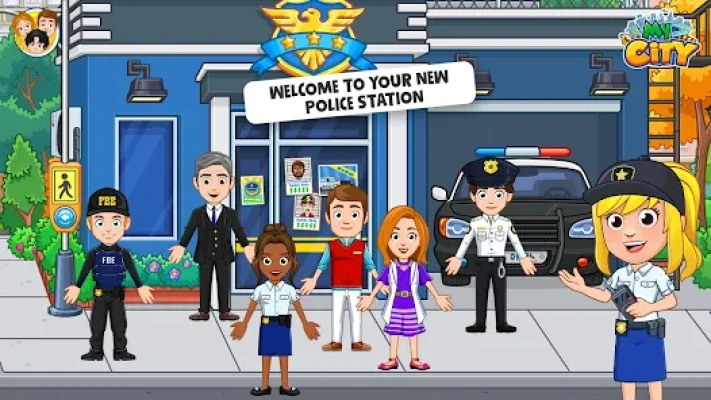
My City: Police Game for Kids offers an expansive, interactive world where children can explore the inner workings of a police station. Featuring 5 unique locations, the game provides a sandbox environment where kids are the directors of their own stories.
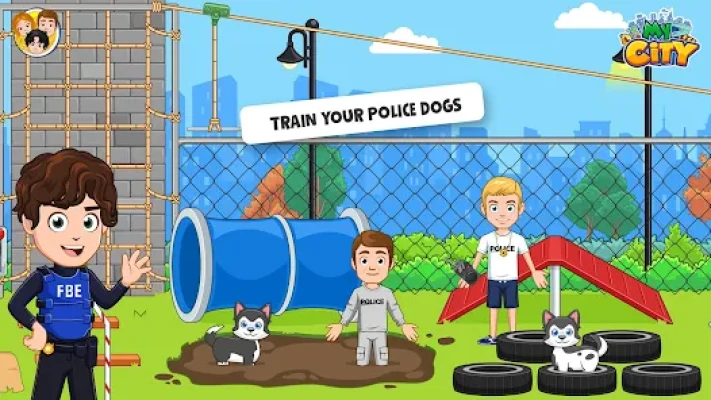
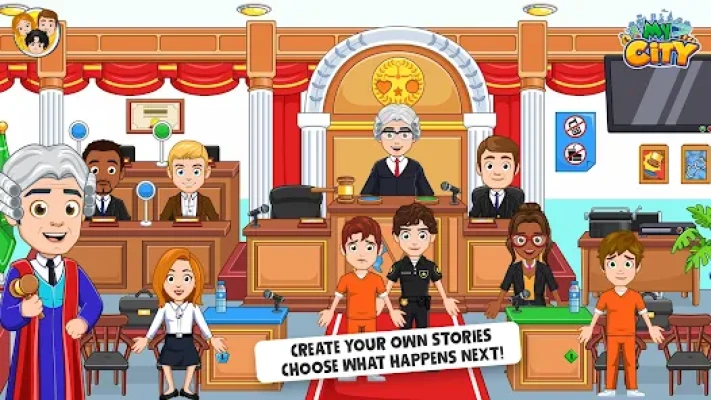
There are no stressful timers, no difficult levels, and no high scores—just pure, imaginative play. Children can process "suspects" with fingerprinting and mugshots, take a K9 unit for training, or preside over a trial in the courtroom. Because it’s part of the My City series, characters can move between this game and others you own, like the Hospital or Home, creating a massive, connected world.
Key Features
5 Detailed Locations: Explore the Police Station (cells included), the Courtroom, the Detective’s Office, the Rooftop Helipad, and the Garage.
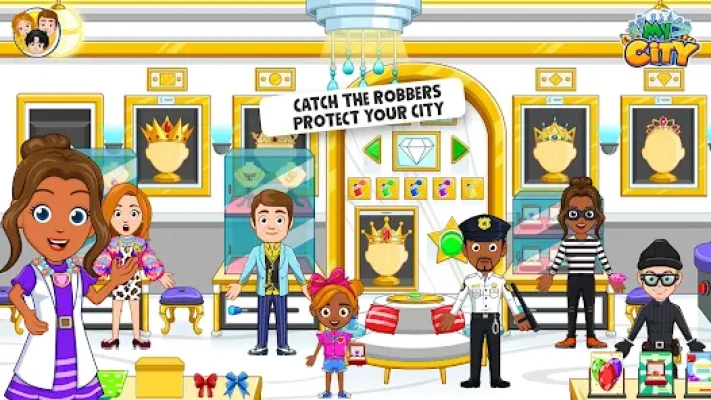
Diverse Character Cast: Play as cops, detectives, prisoners, lawyers, and even a judge.
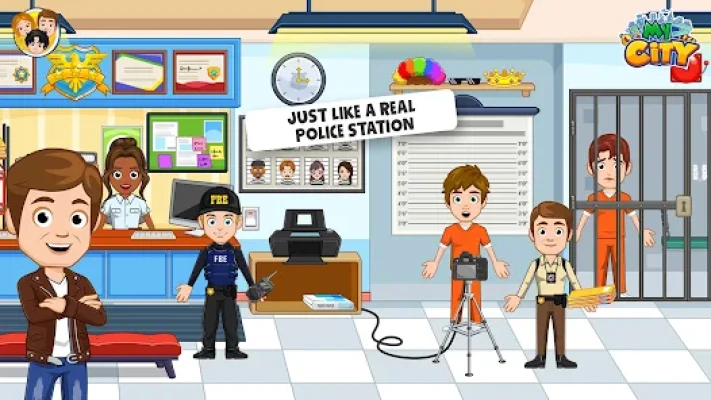
Interactive Police Gear: Use real-life tools like handcuffs, fingerprint scanners, and a height chart for mugshots.
Patrol the Skies: Pilot the police helicopter and land it on the roof to monitor the city from above.
Multi-Touch Support: Designed for collaborative play, allowing friends or siblings to play together on one screen.
100% Kid-Safe: No third-party ads or in-app purchases, ensuring a secure environment for independent play.
How to Play
Suit Up: Start in the locker room to pick your uniform—will you be a beat cop or a detective?
Process Suspects: Take "criminals" to the booking station, take their mugshots, and escort them to the jail.
Solve the Case: Head to the Detective Office to look for clues, find hidden keys, and pin evidence to the board.
Hold a Trial: Take the action to the Courtroom where characters can take the stand and the judge can deliver a verdict.
Expand the City: Use the "Hub" to bring characters from other My City games to report a "stolen" item!
How to Win: Strategy
The Master Investigator: "Winning" is all about finding hidden surprises. Search the jail cells for a secret escape hatch or look for hidden gold in the evidence locker.
Creative Storytelling: Combine locations for a full narrative: start with a crime in the garage, solve it in the office, and finish with a court trial.
Tips & Tricks
Secret Codes: Look for hidden numbers on sticky notes throughout the station—they might open a safe in the Detective Office!
K9 Training: Don't forget the dog! You can feed, pet, and train the police dog to help find hidden items.
Helicopter Light: Tap the spotlight on the helicopter at "night" to reveal hidden items on the rooftops of buildings.
Fingerprint Fun: Every character has a unique fingerprint on the scanner—try them all to see the different results on the screen.
Player Experience
Parents highly value the educational aspect of the game, as it introduces the concepts of law and order in a non-threatening, playful way. Players love the "Mugshot" feature and the interactive courtroom, which adds a layer of depth not usually found in standard dollhouse apps. The seamless character transition between My City apps remains a fan favorite for building a "mega-city."
Technical Details
| Feature | Requirement / Detail |
| Platforms | Android, iOS, Windows, Amazon |
| Minimum OS | Android 5.0+ / iOS 11.0+ |
| Age Rating | 4–12 Years |
| File Size | Approx. 160MB |
| Internet | Not required (Offline support) |
| Connectivity | Connects to all My City ecosystem apps |
Comparison Section
| Feature | My City: Police | Typical Police Apps |
| Play Style | Open-ended Sandbox | Goal/Mission based |
| Locations | 5 (Station, Court, Sky, etc.) | Usually 1 (Station only) |
| Interaction | Touch/move almost everything | Fixed tap-points |
| Safety | No Ads or Trackers | Often heavy ad-support |
Competitors & Similar Games
Competitors: Toca Life: City, Pepi Super Stores, Dr. Panda Town.
Similar Games: My City: Prison, Tizi Town: Police Station, My City: Fire Station, and Yasa Pets Police.
Frequently Asked Questions (FAQ)
Q: Can I unlock the jail cells?
A: Yes! You just need to find the hidden silver key, which is usually tucked away in the police captain's office or near the lockers.
Q: Does this game work with My City: Hospital?
A: Absolutely. All My City games are connected via the "Hub," so you can transport your police officers to the hospital or bring doctors to the station.
Q: Is there any "violence" in the game?
A: No. The game is designed to be child-friendly. It focuses on the "pretend play" aspect of being a hero, solving puzzles, and helping the community.
Rate the Game
User Reviews














Popular Games



















 Android
 iOS
iOS Windows
 Xbox
Xbox