

Latest Version
February 14, 2026
My Town Games Ltd
Simulation
0
Report a Problem
More About :game
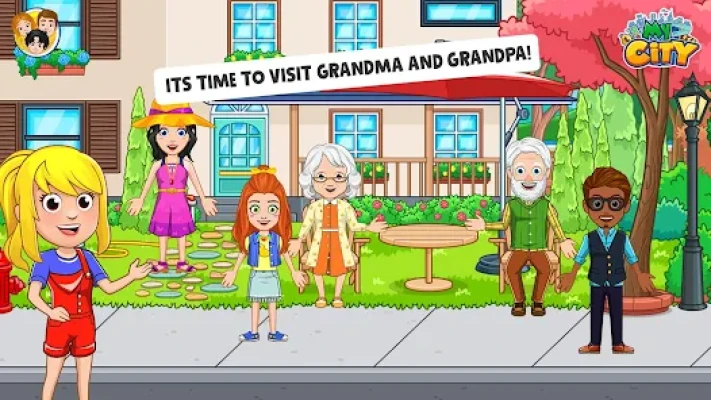
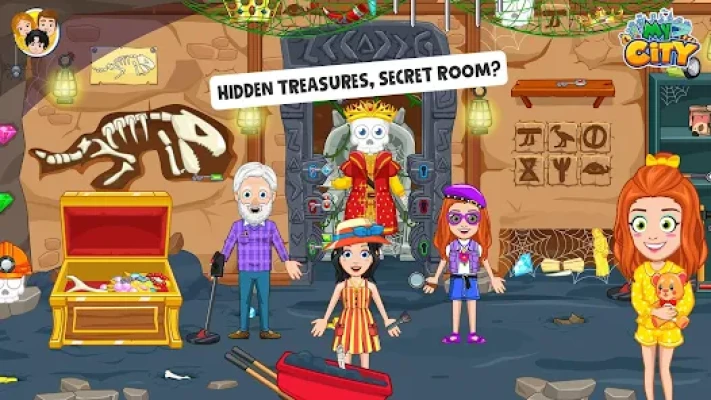
Step into a world of nostalgia and discovery with My City: Grandparents’ Home, a heartwarming addition to the popular My City series. This interactive digital dollhouse allows children to explore the unique bond between generations while navigating a home filled with interactive items and hidden surprises.
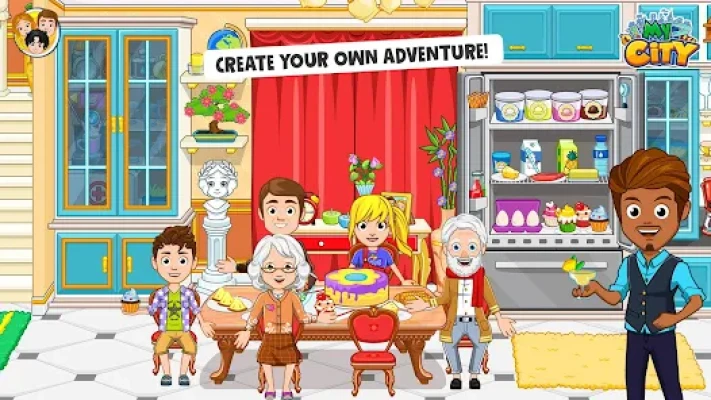
The fun never ends at your grandparents' house! Help Grandpa work on his vintage car in the Garage, or head to the Garden to plant flowers and enjoy a barbecue. Inside, you can bake delicious treats in the Kitchen with Grandma or explore the Basement and Attic for long-lost family treasures. With 8 exciting locations and 20 unique characters, kids can create their own family stories in a safe, open-ended environment. Like all My City titles, this game connects seamlessly to others, allowing you to bring your parents and siblings from your other My City apps to join the family reunion!
4. Key Features
🏡 8 New Locations: Explore the Garden, Garage, Basement, Attic, Kitchen, Living Room, and more.
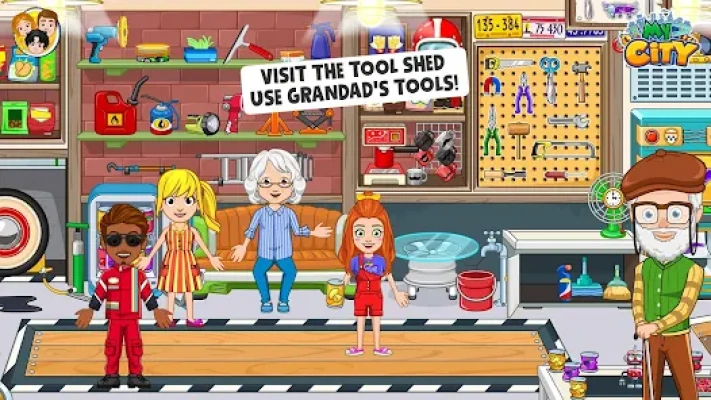
🔧 Grandpa’s Garage: Help Grandpa with his DIY projects and tinker with tools and gadgets.
🎨 Creative Attic: Discover old family photos, costumes, and forgotten treasures from years ago.
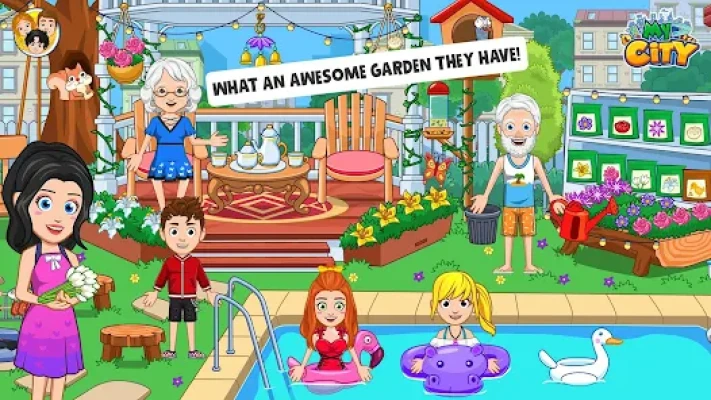
🌳 Outdoor Fun: Spend time in the garden, cook on the barbecue, and enjoy the wood-carving area.
👥 20 Playable Characters: A diverse cast of family members to use in your storytelling.
🎒 Integrated World: Fully compatible with other My City apps—move characters and items across your digital world.
5. How to Play
Arrive at the House: Start in the garden and ring the doorbell to be greeted by your grandparents.
Explore the Rooms: Navigate through the house by tapping on doors or using the map icon.
Interact with Items: Drag food to the stove to cook, use the wood-carving tools in the garden, or change outfits in the attic.
Find Hidden Secrets: Look for levers and buttons hidden behind paintings or under furniture to unlock secret compartments.
Host a Reunion: Use the character menu to bring in characters from your other My City games for a big family dinner.
6. How to Win: Strategy
The Wood-Carving Secret: Complete the wood-carving project in the garden to unlock a special "Handmade Toy" you can give to the kids.
Attic Mystery: Finding all three hidden family photos in the attic triggers a special "Flashback" animation on the living room TV.
Garage Gearhead: Using the correct wrench on Grandpa’s car engine triggers a "Revved Up" sound effect and a shiny new paint job.
7. Tips & Tricks
Kitchen Treats: You can actually "bake" items in the oven—try combining different ingredients to see what Grandma creates!
Basement Discovery: Don't ignore the basement; there’s a hidden safe that can only be opened with a code found in the attic.
Connect the Apps: If you have My City: Home, you can bring the kids over to the grandparents' house for a sleepover story!
8. Players Experience
"My kids love exploring the attic! It’s like a treasure hunt every time they play. I love how it encourages them to think about their own grandparents." — ParentReviewer
"Grandpa's garage is the best part! I love fixing the car and then going to the kitchen to have a snack with Grandma." — CreativeKid2026
9. Tech Details
Category: Educational / Simulation / Roleplay
Developer: My Town Games Ltd
File Size: ~185 MB
OS Compatibility: Android 8.0+ / iOS 12.0+
Safety: Fully COPPA and GDPR compliant; no 3rd-party ads.
10. Comparison Section
| Feature | My City: Grandparents’ Home | Standard Family Apps |
| Locations | 8 Detailed & Hidden Areas | 2-3 Basic Rooms |
| Character Count | 20 (Cross-game compatible) | 4-6 (Static) |
| Interactivity | High (Every object moves) | Low (Fixed animations) |
| Thematic Depth | Multi-generational Roleplay | Simple House Play |
11. Competitors & Similar Games
Direct Competitors: Toca Life: World, Pepi House, Dr. Panda Town.
Similar Experience: My Town: Home, Miga Town: My World, Yasa Pets: Grandparents.
12. FAQ
Q: Can I change the grandparents' clothes?
A: Yes! There are plenty of outfits in the bedroom and attic for Grandma and Grandpa to wear.
Q: Does this game work offline?
A: Absolutely. Once downloaded, you can visit the grandparents' home anytime without an internet connection.
Q: How do I find the hidden attic room?
A: Look for a pull-down string in the ceiling of the hallway—it’s tucked away near the master bedroom!
Rate the Game
User Reviews














Popular Games



















 Android
 iOS
iOS Windows
 Xbox
Xbox